Member Identity
Membership in CoGM has two layers: the community and each guild in it. This page covers how they fit, how someone becomes a member, and what archiving and removing do.
Two layers
A community member is a person inside a community. It carries their display name, Discord identity, level and XP, message and voice activity, characters, and community roles.
A guild member is that person's place in one guild. It carries DKP, activity points, the sub-guild label, archive status and guild roles. A sub-guild label counts only while its name is on the guild's sub-guild list; removing a name from the list also removes its Discord role link. One community member can belong to several guilds at once, for example a Black Desert Online guild and a WoW Forever guild in the same community.
One Discord account can be a member of several communities. Each community is kept apart from the others.
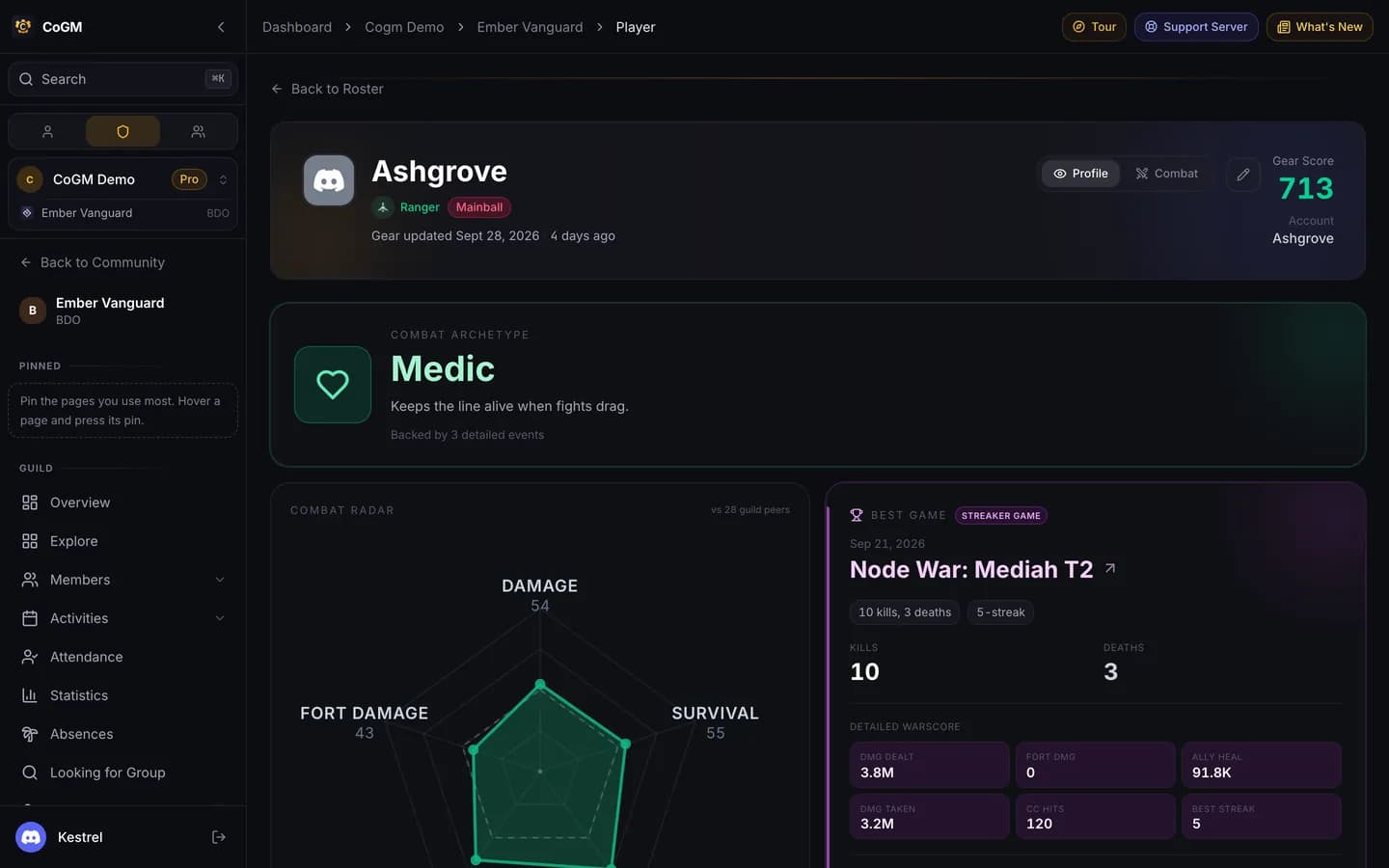
How someone becomes a member
- The Discord member role. When a guild has a member role, anyone with it is added the first time the bot sees them, for example when they run a command.
- An event signup. Pressing a signup button on a Discord post adds the person, their guild membership and their character in one step, again because they hold the member role. They do not need to log in on cogm.app.
- An application. The player applies on your community page or with
/apply, and an officer approves it. - An officer adds them from the dashboard.
- First log-in. When someone logs in on cogm.app with Discord, any records the bot made for their Discord account become theirs.
/upload does not add anyone by itself: the person needs to be a member already, or hold the member role. /join only posts the link to your community page. See Get Your Members In.
What is kept where
Per community
- Display name, Discord identity
- Level, XP, message and voice activity
- Characters
- Community roles
- Strikes, applications, tickets
Per guild
- DKP, activity points
- Archive status
- Sub-guild label
- Guild roles
- Guild Bank requests and donations
Black Desert Online PvP results belong to the war, but link back to the person. They stay when someone leaves the guild, which is what lets My PvP show a lifetime history.
Archive and remove
Archiving takes someone off a guild's active roster but keeps everything: DKP, characters, strikes and PvP history. Officers archive and unarchive members on the roster's Archived tab. Someone who leaves your Discord server is archived automatically, and comes back when they rejoin with the member role.
Removing someone from the community (or a member leaving it themselves) takes away their access on the web. Their records stay for the audit log. A role change in Discord does not bring them back; an officer restores them, or they apply again.
Role-based membership
Role-based membership. Then losing the role archives the member, and getting it back restores them. Leave it off if you accept members through applications without giving them a role.Region and family names
In Black Desert Online, family names are unique within a region (NA, EU, SA, SEA), not across all regions. CoGM keeps family names per region, so two people with the same name in different regions stay separate in roster sync, /whois and PvP analytics.
More than one guild or community
Inside one community, one person can be in several guilds. Bot commands work out which guild you mean from the channel you use, the guilds' member roles and the character you last uploaded, and they ask when that does not settle it. When a community runs more than one game, each guild claims its own Discord channel for uploads.
Nothing crosses between communities, with one exception: your own Black Desert Online PvP history. On the My PvP page, switch to All time to see your results in every guild you have played for, in any community. Only your own results show. Other players' data stays in their own community.