Roster Management
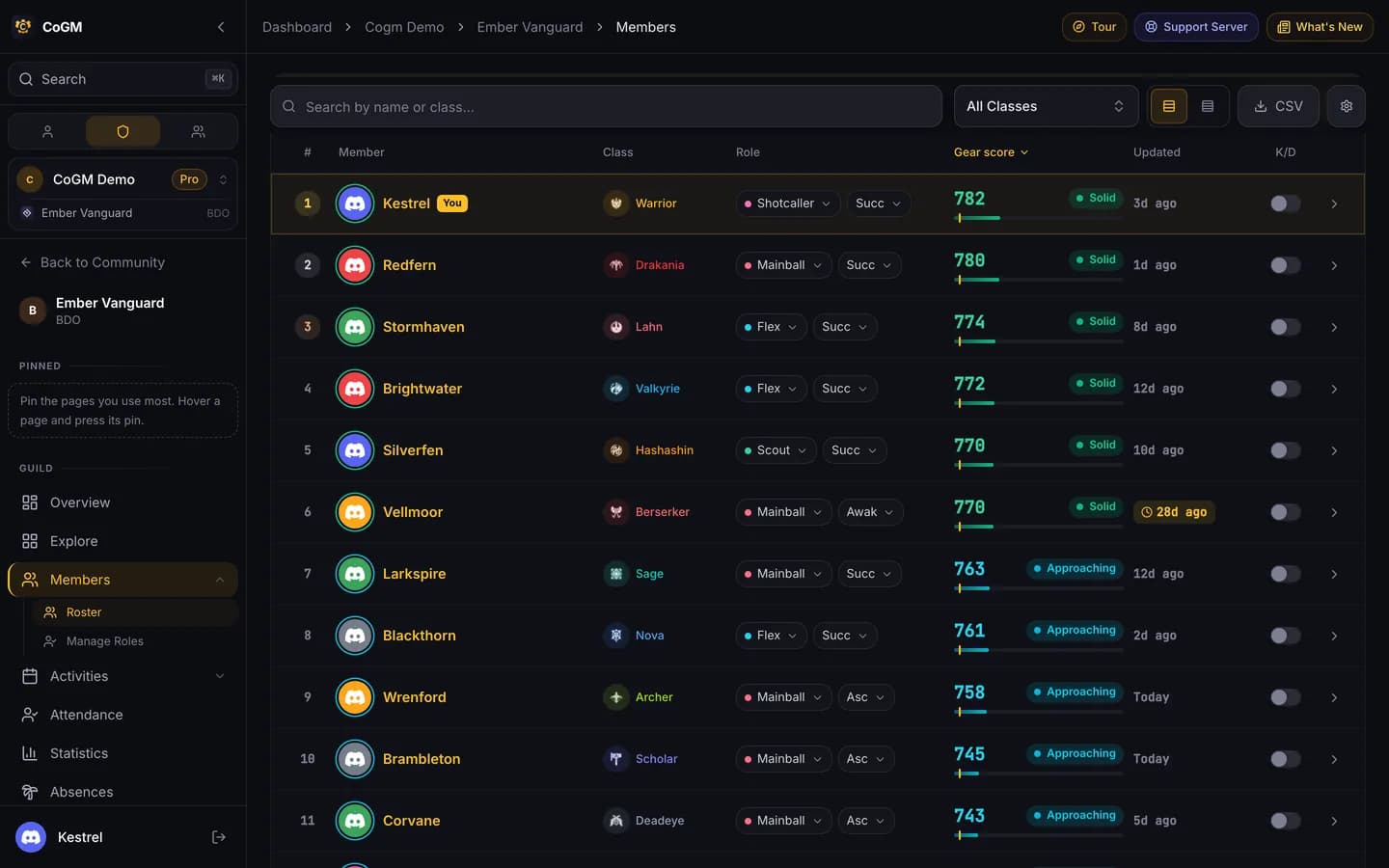
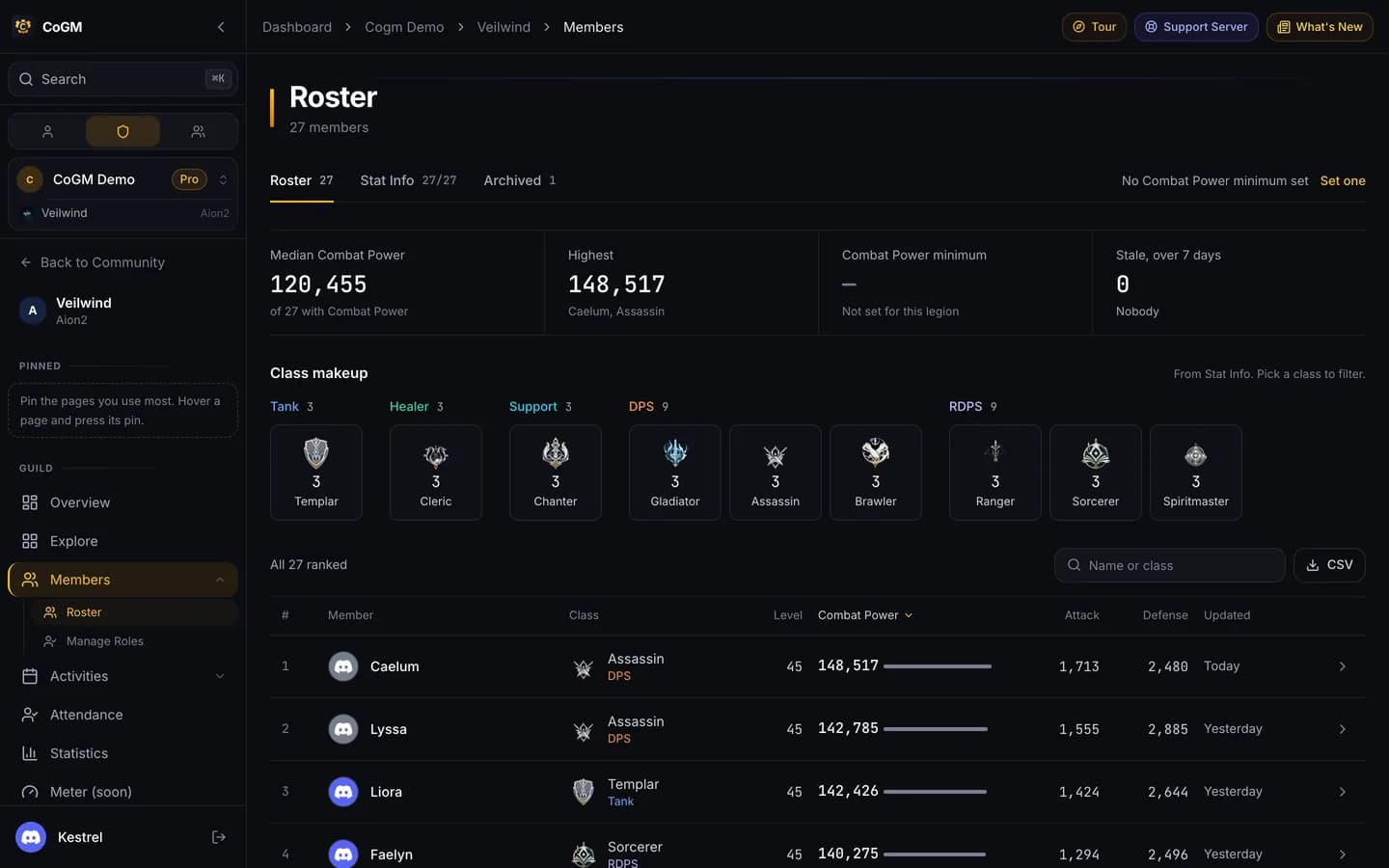
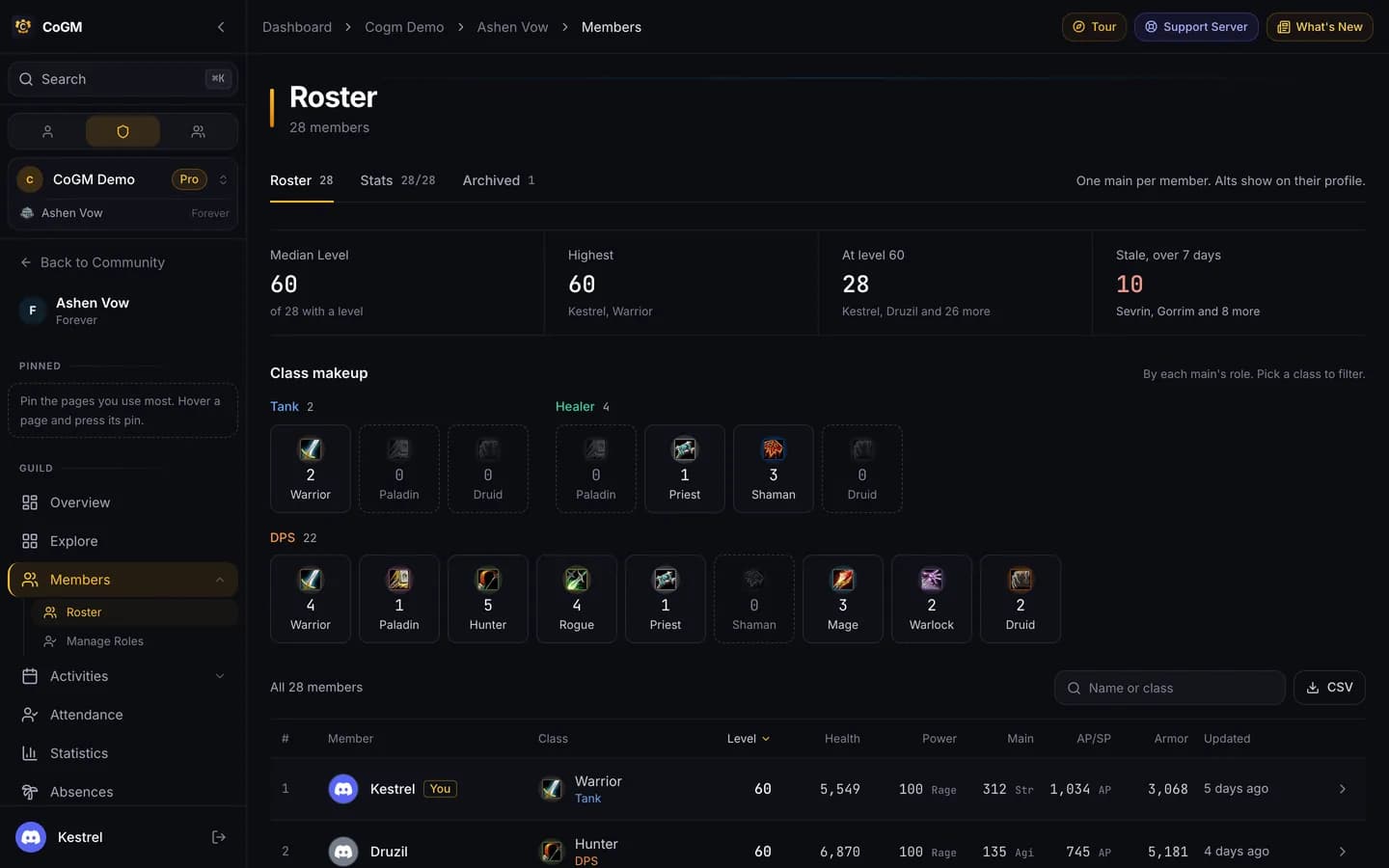
The roster is every member of a guild with their characters. It shows class, role and the stats from each member's last screenshot upload.
Who can use it
- Every game. Free holds up to 30 members with uploads per guild. Pro holds up to 300 members with uploads per guild, then +200 for $5/month. See the member limit.
- Members with View Guild Members see the roster. The Member role has it by default.
- Officers with Manage Gear can remind members, fix gear and clear it. Manage Guild Members covers archiving and the Discord Check.
How people get on the roster
Link Discord
Map the member role
Members upload
Reading the roster
Each row is one member. The columns follow the game: Black Desert Online shows gear score with AP, AAP and DP; the other games show level and their own stats. The Updated column shows how many days ago the member last uploaded, so stale gear stands out. On Black Desert Online you can search by name or class, filter by class, sort the columns, and open a row to see the member's details.
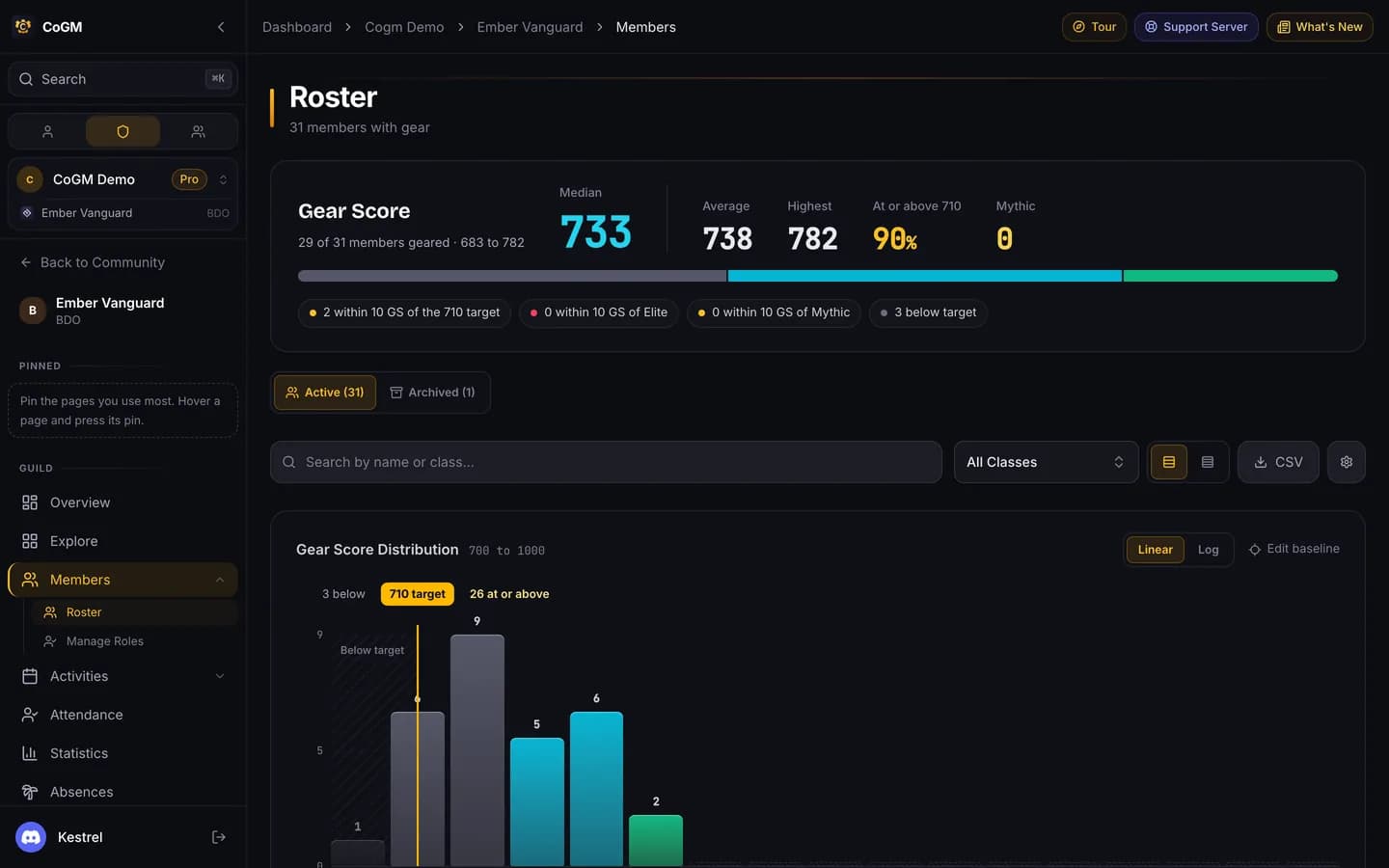
Black Desert Online: tiers, cutoff and the gear chart
On Black Desert Online the top of the roster sums up the guild and charts gear score. Officers set the gear tiers and the High GS Cutoff in the guild's Settings under Game. The roster also has a sub-guild filter, a CSV export and an Archived tab.
Remind members to update
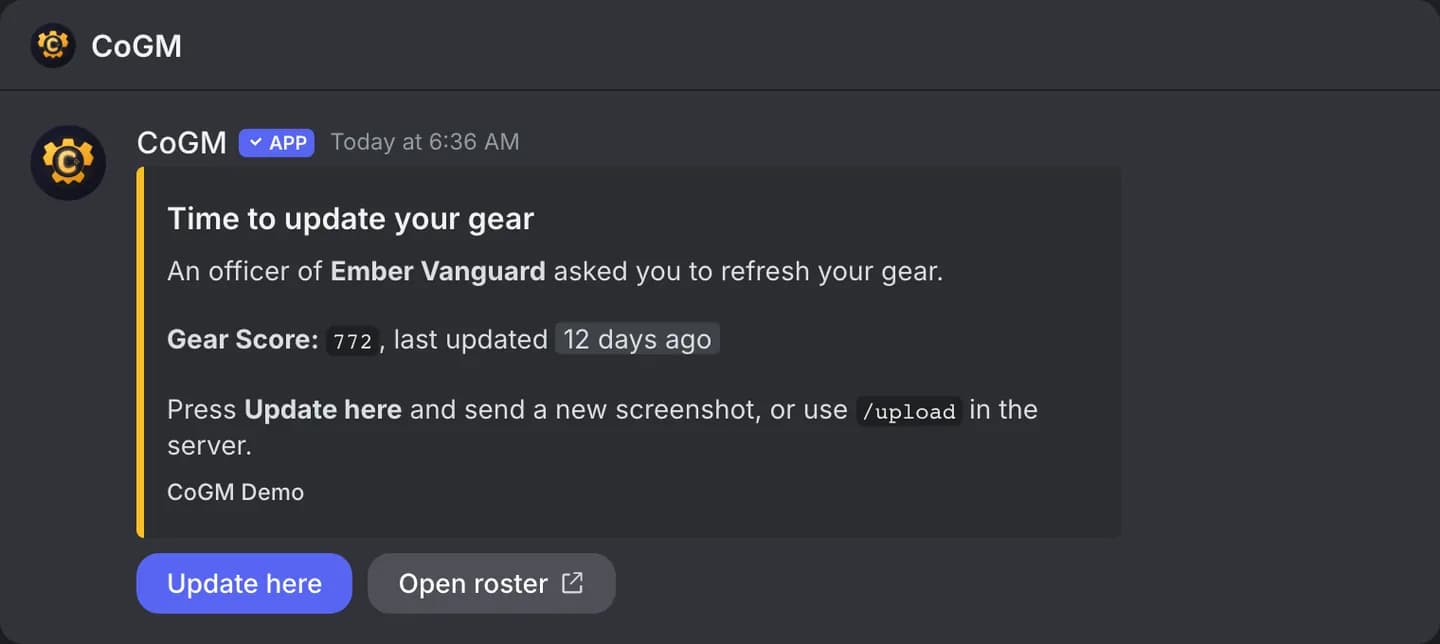
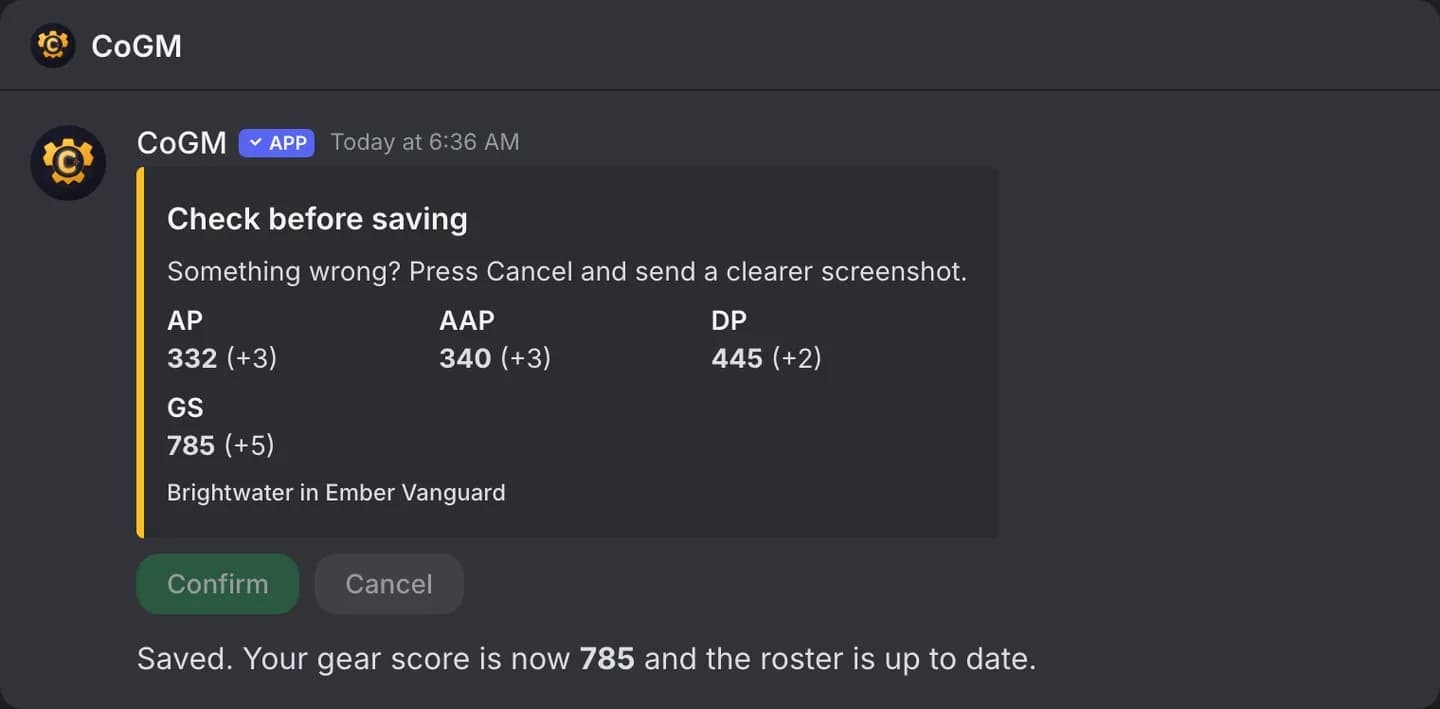
On Black Desert Online, officers press Remind on a row, or Remind all, to DM members whose gear is older than a number of days. The DM has an Update here button, so the member can send a new screenshot in the DM. The bot shows what it read and saves it once they confirm.
To send these on a schedule, turn on Automatic reminders in Settings, then Game, and set the days. It is off until an officer turns it on, and sends at most once a day. In every game, officers can also run /remind in Discord.
Member profiles
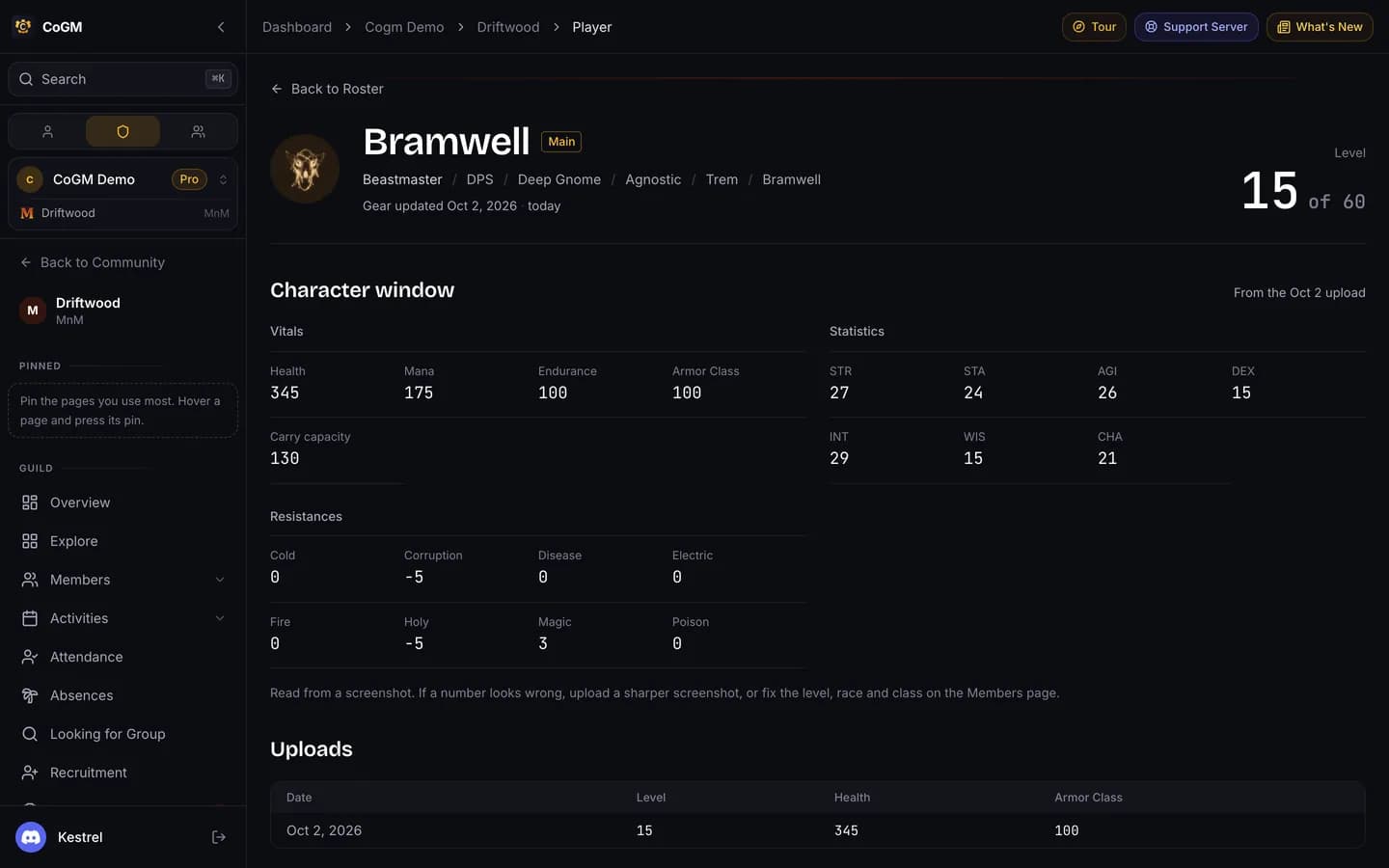
Click a name to open the member's profile: their characters, stats and history. Members can open their own.
Roles, archives and the Discord Check
- Manage Roles (under Members) lists the guild's roles and who holds them. See Permissions.
- Archive takes a member off the roster and keeps their history. Archived members sit in the Archived tab, where officers can restore them or remove them for good.
- Discord Check (in the Admin section) compares your Discord server members with the roster, so you can spot people who are not linked.
One person, several characters
In Discord
/members lists the roster in Discord, ranked by the game's headline stat. /gear shows one member's card.