CoGM Docs
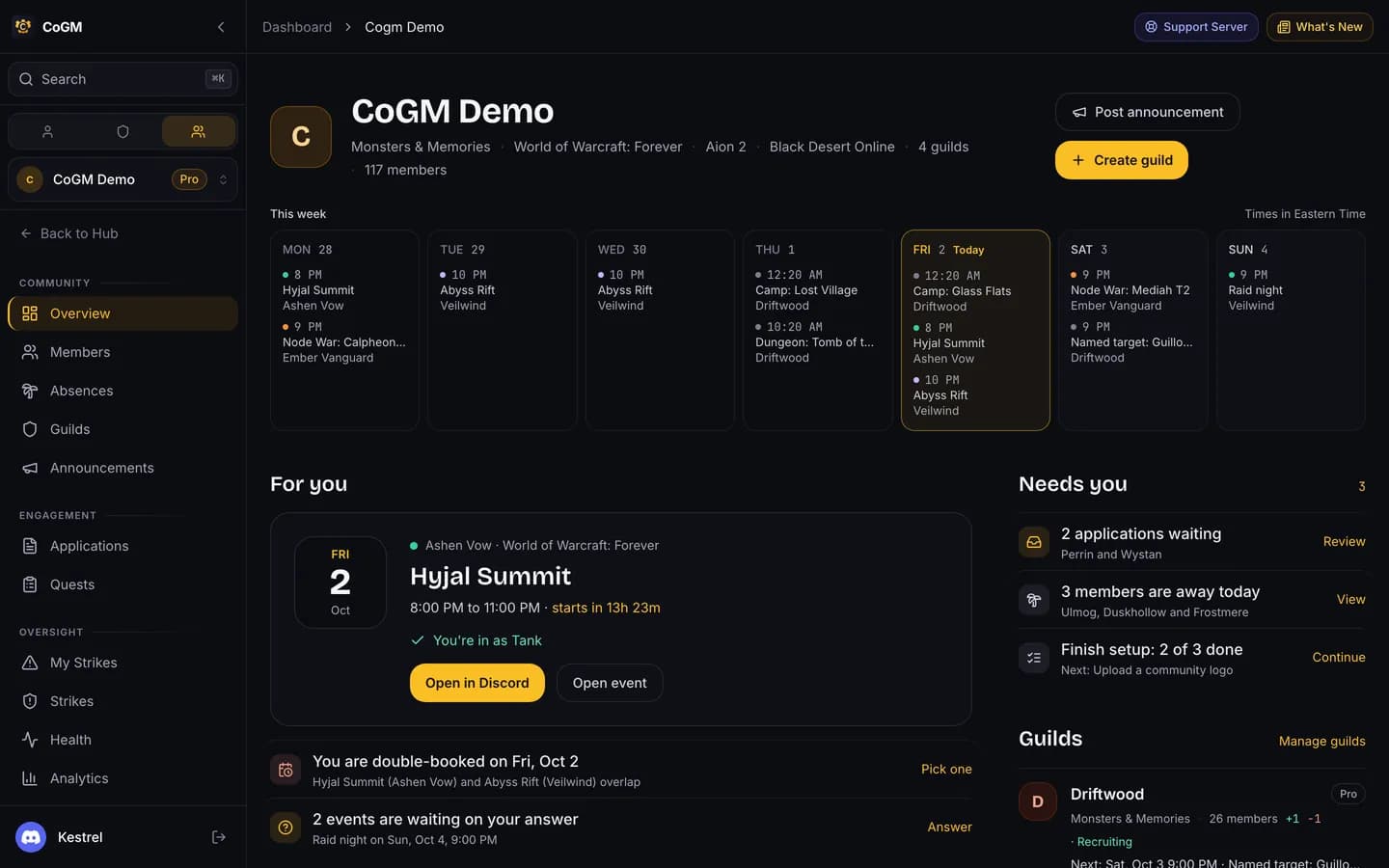
CoGM runs your MMO guild from Discord and the web: the roster, event signups, attendance, groups, loot and recruitment. It supports Black Desert Online, Aion 2, WoW Forever and Monsters & Memories.
Create a community, add the bot to Discord, and make your first guild.
What CoGM does for Black Desert Online, Aion 2, WoW Forever and Monsters & Memories.
Every slash command, which games it works in, and who can use it.
Roster, events, attendance, LFG, DKP, the Guild Bank and more.
Games
Black Desert Online is live. Aion 2, WoW Forever and Monsters & Memories are open in beta: you can create guilds for them today, and we are still adding to them. Each game has its own setup guide:
Words these docs use
- Community: your group on CoGM. It links your Discord server and holds up to 10 guilds, on any plan.
- Guild: one in-game guild in one game. Aion 2 calls it a legion. Each guild has its own roster, events, settings and plan.
- Member: a Discord user in your community, with characters, attendance and history in each guild they belong to.
- Event: a scheduled night with signups, optional groups, attendance, and for Black Desert Online an optional war log.
Plans
Every guild starts on Free, with up to 30 members with uploads, the bot, events, attendance, applications, Looking for Group and limited screenshot uploads. Pro is $10/mo per guild and holds up to 300 members with uploads per guild, then +200 for $5/month. It adds unlimited uploads, DKP, the Guild Bank and more. You can try Pro on a guild for 14 days with no card. See Pricing.
New here?
Open the dashboard
Log in with Discord. Create a community from there.