/strike
Keep a record of warnings. Officers issue a strike with a reason and points, look up a member's history, and pardon a strike when it no longer applies.
Who can use it
- Games: all of them. Plans: Free and Pro.
- Each subcommand has its own community permission: Issue Strikes, View Strikes and Manage Strikes (to pardon). The community owner can always use all three.
- Members without View Strikes cannot look up strikes, including their own.
/strike issue
/strike issue member:<member> reason:<text> [points] [severity] [hidden]| Option | Required | What it takes |
|---|---|---|
member | Yes | The member to strike. |
reason | Yes | Why, up to 500 characters. |
points | No | From 1 to 10. Blank is 1. |
severity | No | Warning, Minor, Major or Severe. |
hidden | No | True keeps the strike from the member. Only officers see it, and no DM is sent. |
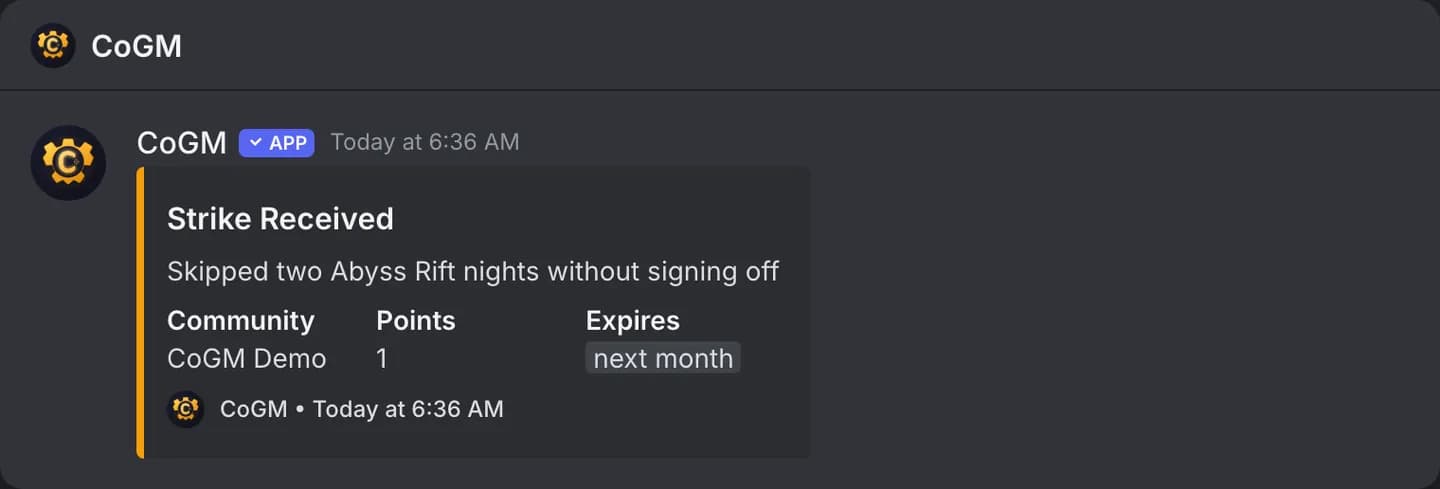
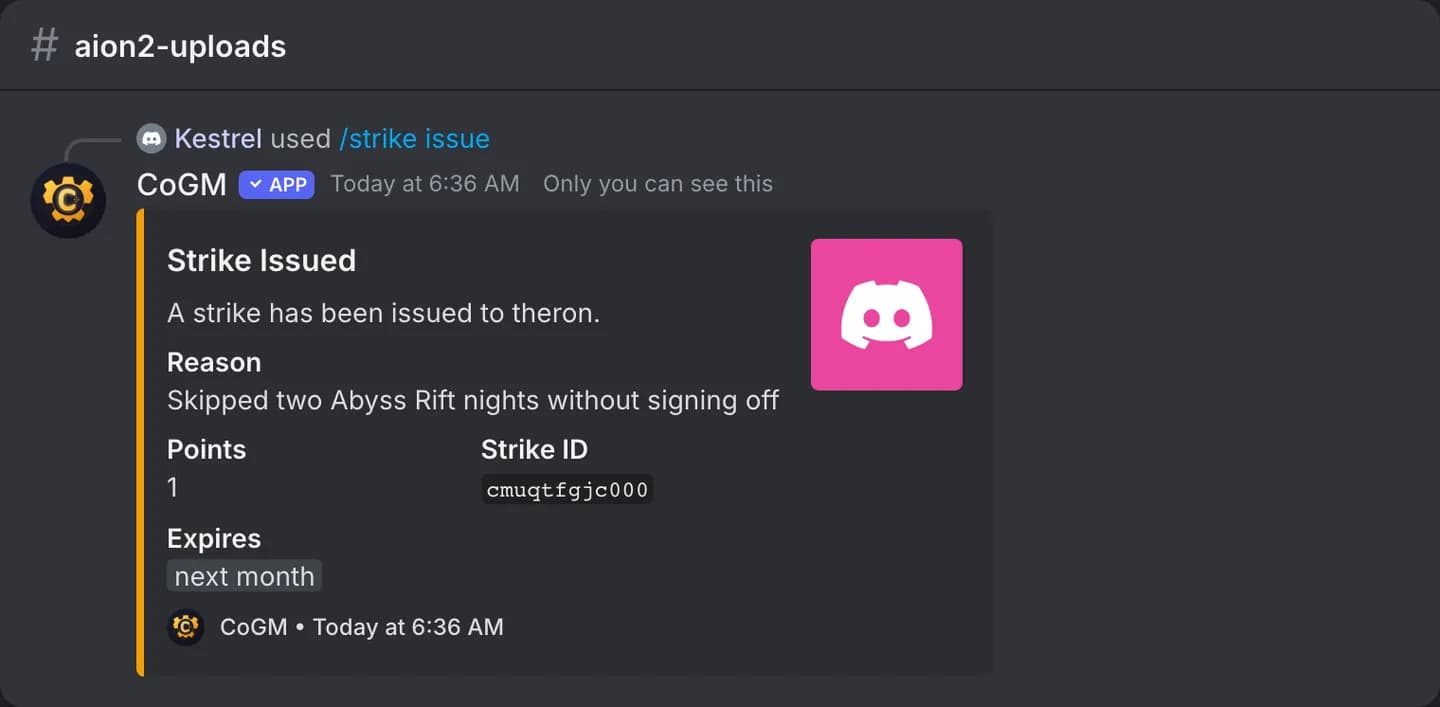
If the community sets an expiry in its strike settings, the strike expires that many days later. With "DM on strike" turned on, the member gets a direct message. With a notification channel set, the strike is posted there too.
/strike view
/strike view member:<member>Shows the member's active strikes that have not expired, newest first, up to 10. Each one lists the reason, points, who issued it, the date and when it expires. Pardoned and expired strikes are not shown. Only you see the reply.
/strike pardon
/strike pardon strike-id:<id> reason:<text>| Option | Required | What it takes |
|---|---|---|
strike-id | Yes | The strike's ID. IDs are case-sensitive. |
reason | Yes | Why it is pardoned, up to 500 characters. |
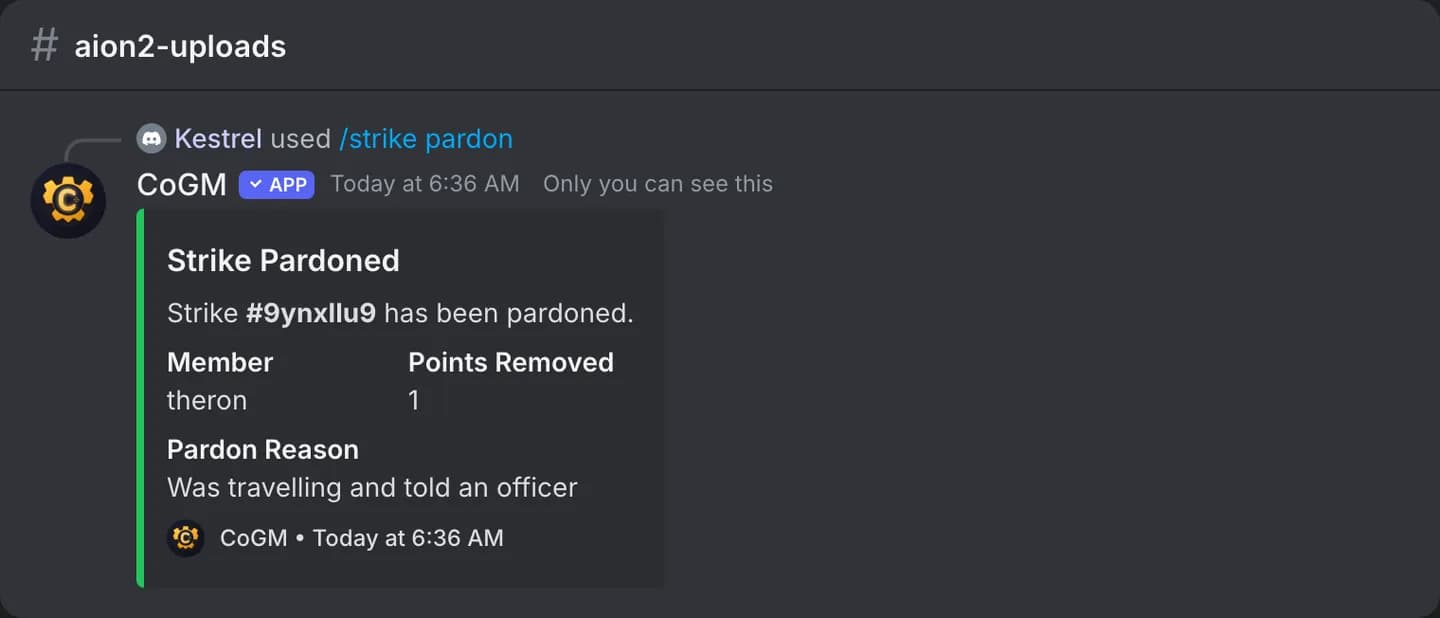
Copy the Strike ID from the confirmation or /strike view. A unique start or end of the ID, 6 characters or more, also works. A strike that is already pardoned or has expired cannot be pardoned again.
What members see