Free
Strikes
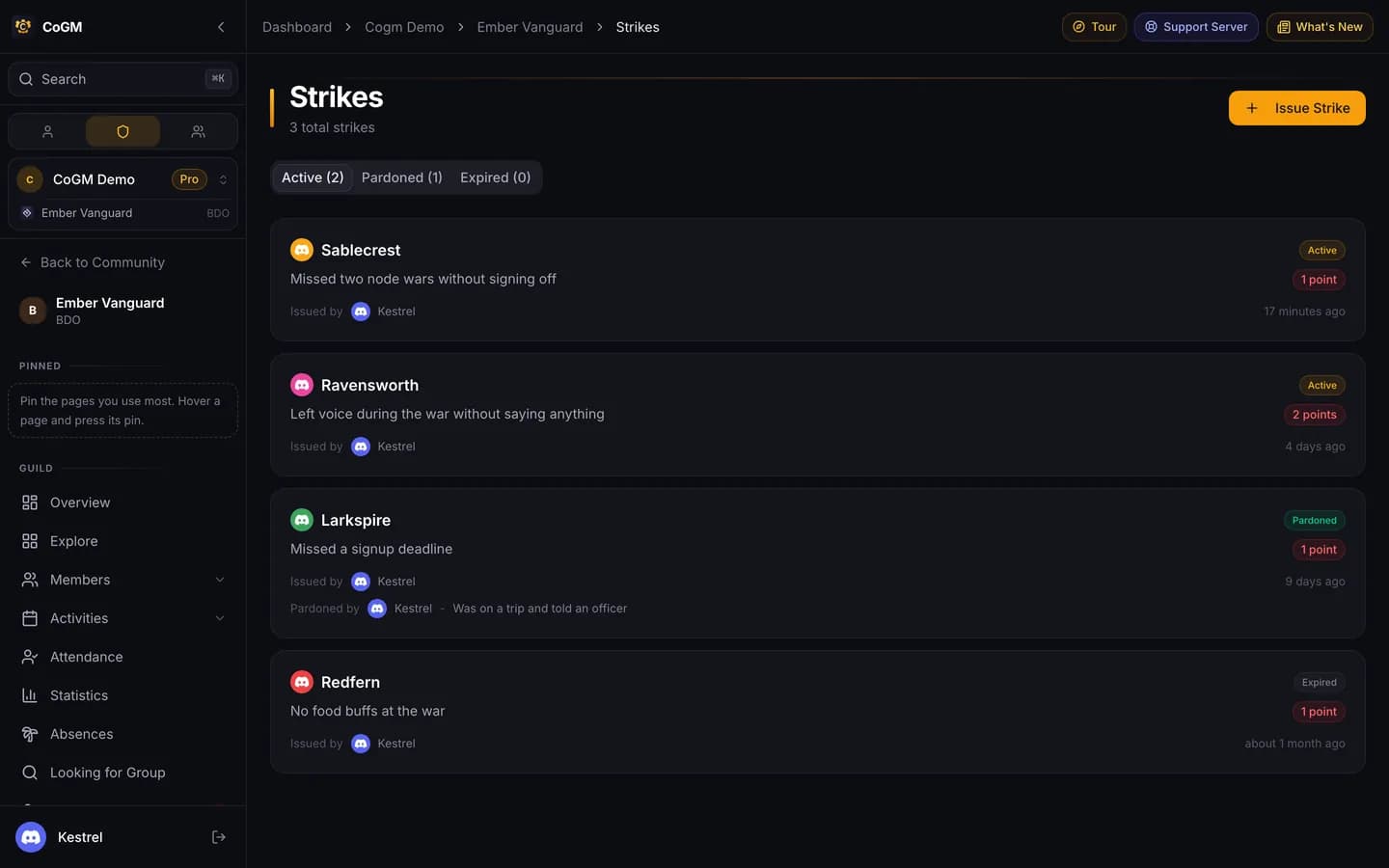
A written record of warnings. Each strike has a reason, points and an optional severity. Members see their own; officers see everyone's.
Who can use it
- Every game. Free on every plan.
- Community roles: View Strikes, Issue Strikes and Manage Strikes. Admins have all three. In Discord, /strike issue needs Issue Strikes, /strike view needs View Strikes and /strike pardon needs Manage Strikes.
- Guild roles: View Guild Strikes, Issue Guild Strikes and Manage Guild Strikes cover the guild's own Strikes page in the Admin section. Guild officers can strike only people on their guild's roster, including someone who just left it. Manage Guild Strikes also lets them pardon their guild's strikes, on the dashboard or with /strike pardon.
- Every member can open My Strikes to see their own record.
Issue a strike on the dashboard
1
Open Strikes
Open Strikes in the community sidebar, or in a guild's Admin section, and press Issue Strike.
2
Fill it in
Pick the member and write the reason. Set the points (1 by default), and optionally a severity (Warning, Minor, Major or Severe) and a category (Attendance, Behavior, Performance, Policy or Other).
3
Choose who sees it
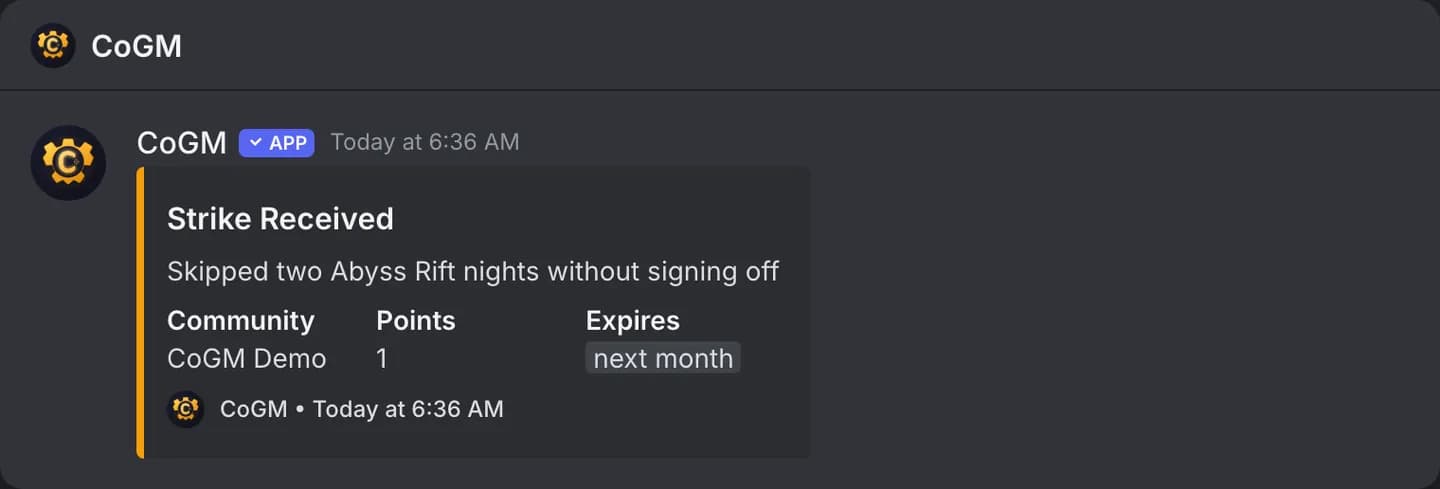
Turn on Hide from member to keep it officer-only. Add internal notes and a proof link if you want. Pick an expiry (1, 3, 7, 14 or 30 days, never, or the default) and whether to notify the member by Discord DM.
From Discord
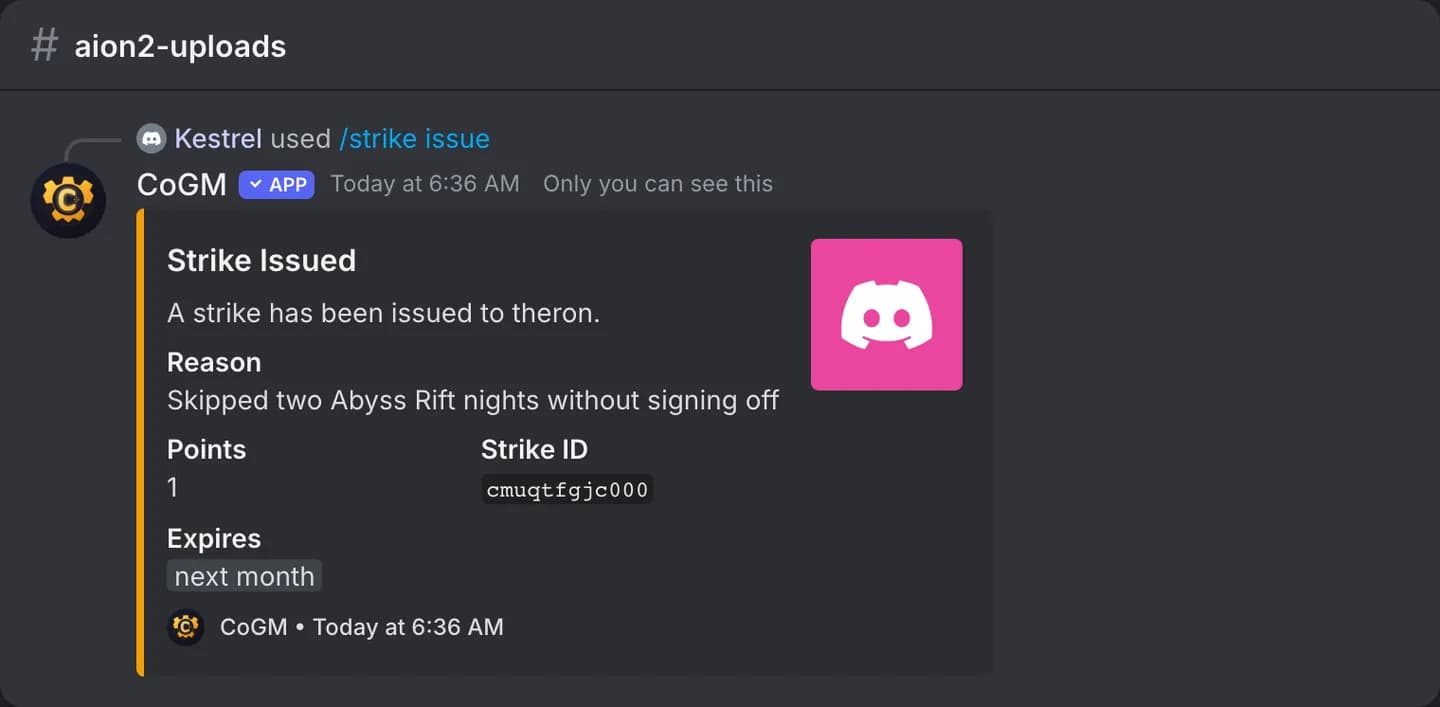
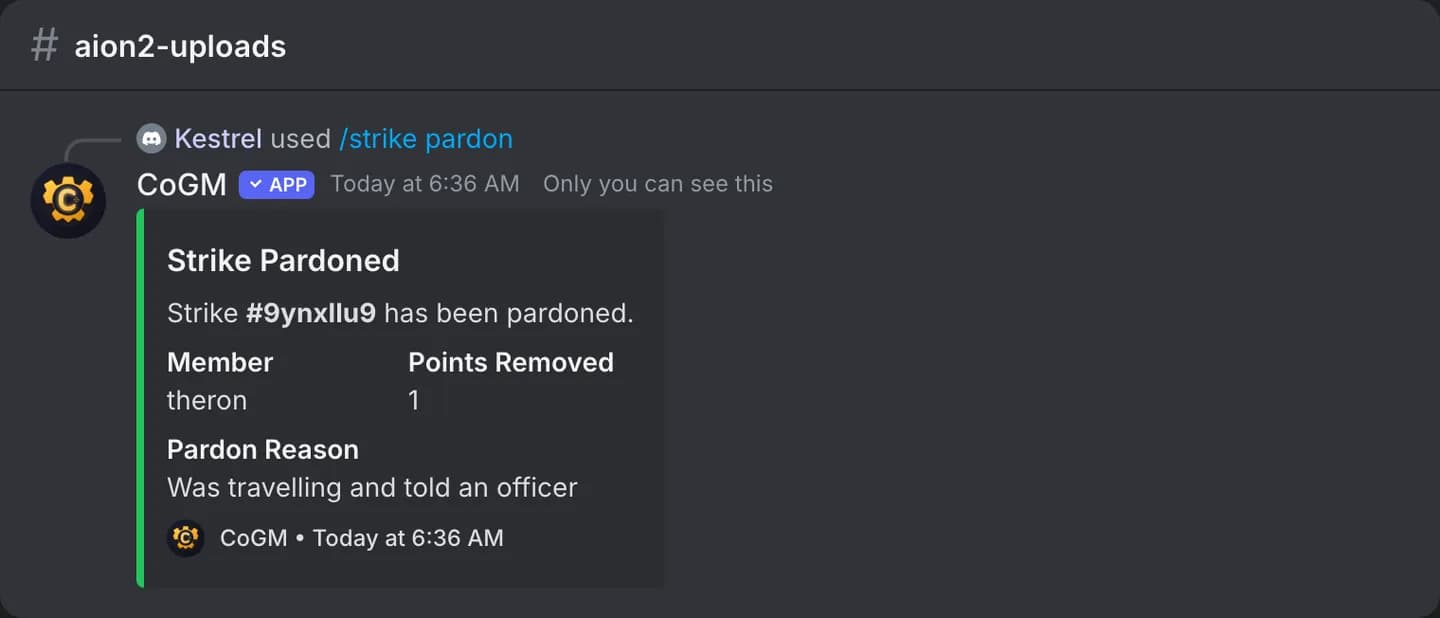
/strike issuewith a member and a reason. Optional: points (1 to 10), severity, and hidden./strike viewwith a member lists their active strikes./strike pardonwith the strike ID and a reason removes it.
The member has to be on your roster first. See /strike for every option.
Expiry and pardons
Set the default expiry and whether members get a DM in the community's Settings, then Moderation. New strikes stop counting that many days after they are issued and move to the Expired tab. Strikes already issued keep their expiry. Leave it blank and new strikes never expire.
A pardon removes a strike's points and keeps the record, with who pardoned it and why, in the Pardoned tab. Press Pardon on an active strike on the Strikes page or on the member's strike history, or use /strike pardon in Discord.
Hidden strikes and notes
A hidden strike never shows on the member's My Strikes page. Internal notes are never shown to the member, hidden or not.