Guild League Season
League nights with match slots, a roster per match, results, and a season table. Guild League is on Pro and only for Black Desert Online guilds.
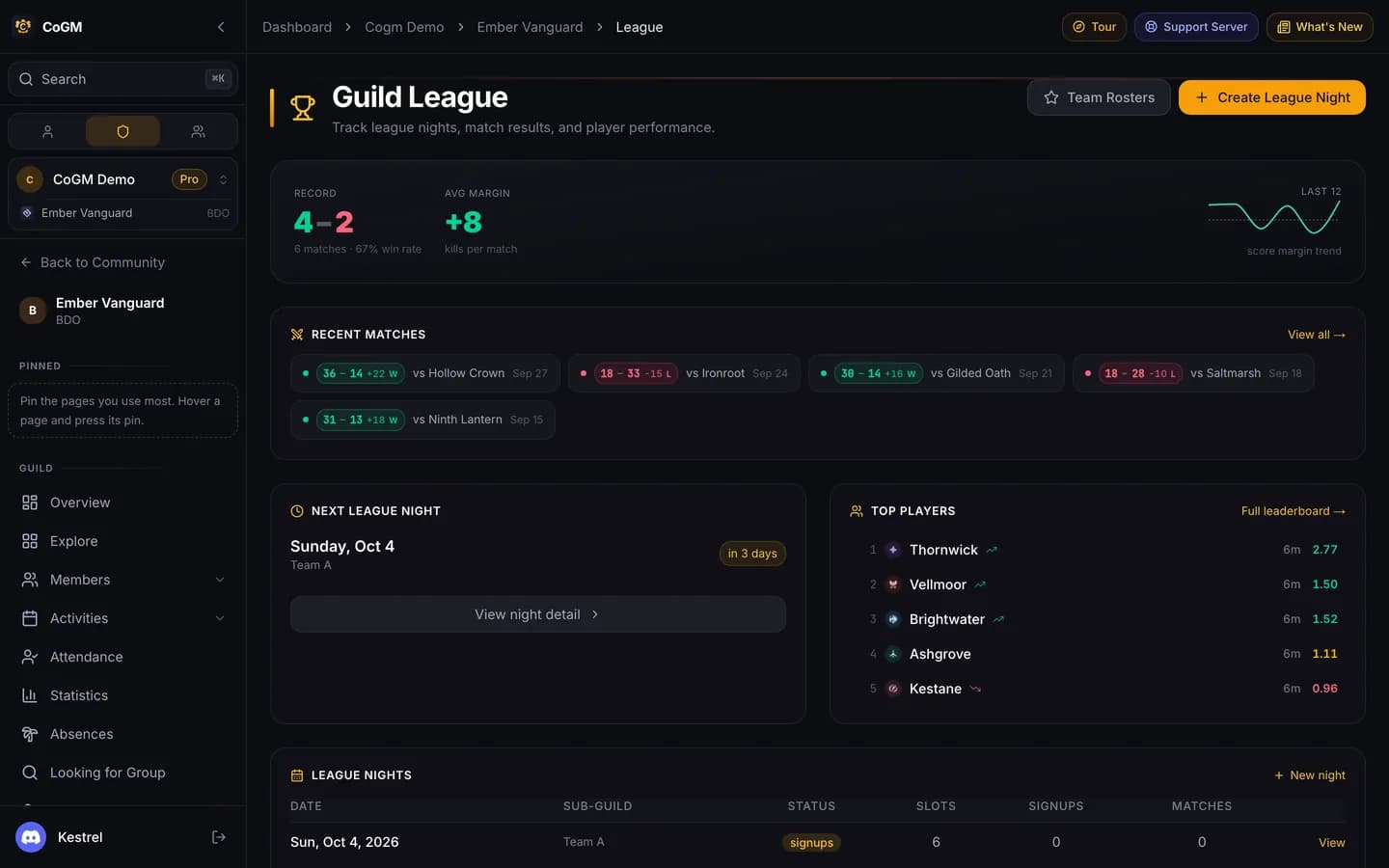
Before week one
Create the season
Open Guild League > Matches, press Manage seasons, then New Season. Start a new one the same way each season.
Post a league night
Press New night on the Guild League page, or run /gleague create in Discord. The bot posts the signup with the night's match slots, and members sign a character into a slot.
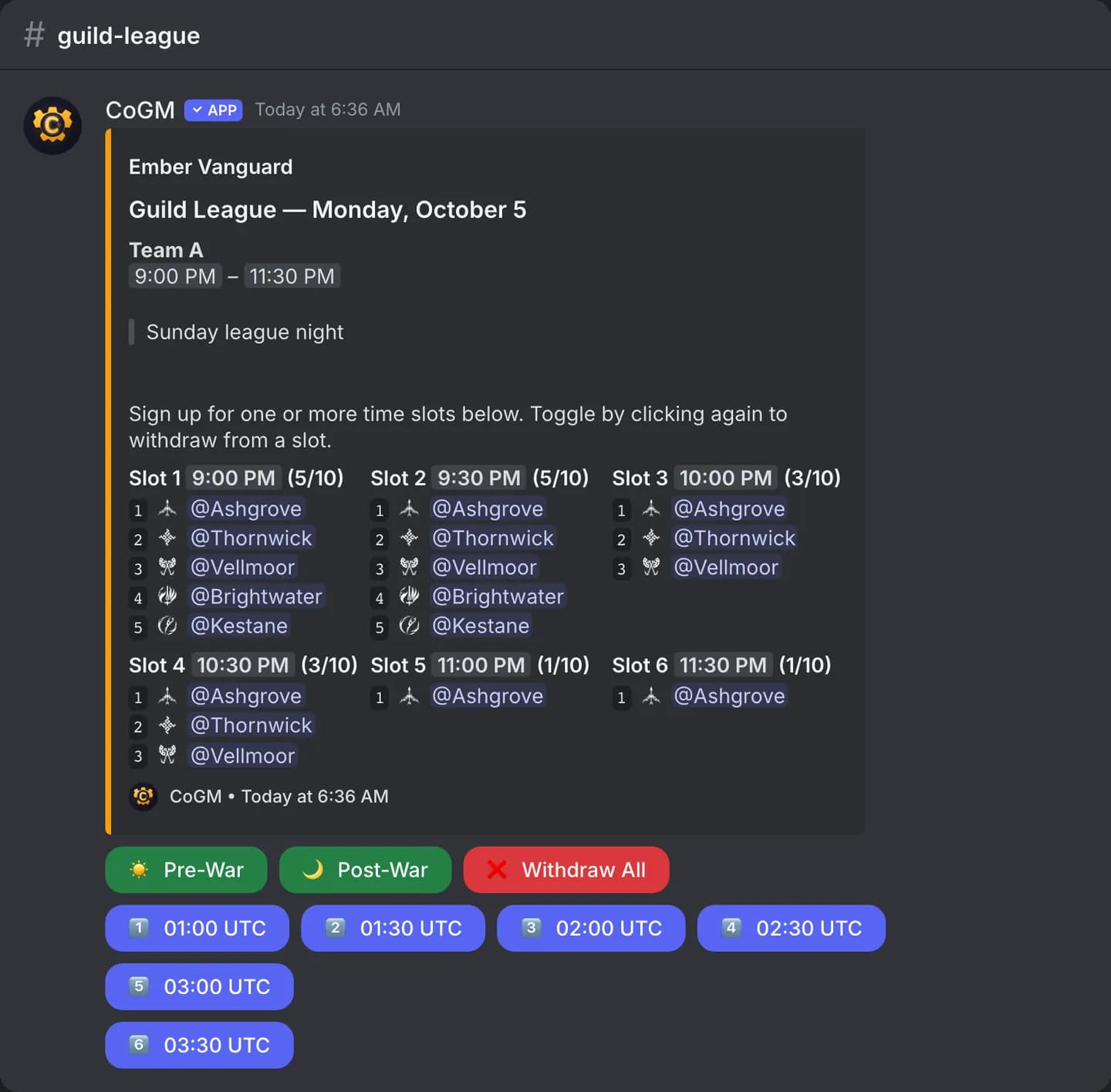
Match night
Set the roster
Put your team for each match together on the Rosters page. The bot can post the season roster with the active team and the bench.
Submit the result
After each match, press Submit Result on the night's page or Submit result on Matches, or run /gleague submit with a screenshot of the result.
Through the season
Matches, Leaderboard and Analytics all read from the results you submit. /gleague record shows the season's win and loss record in Discord.