/upload
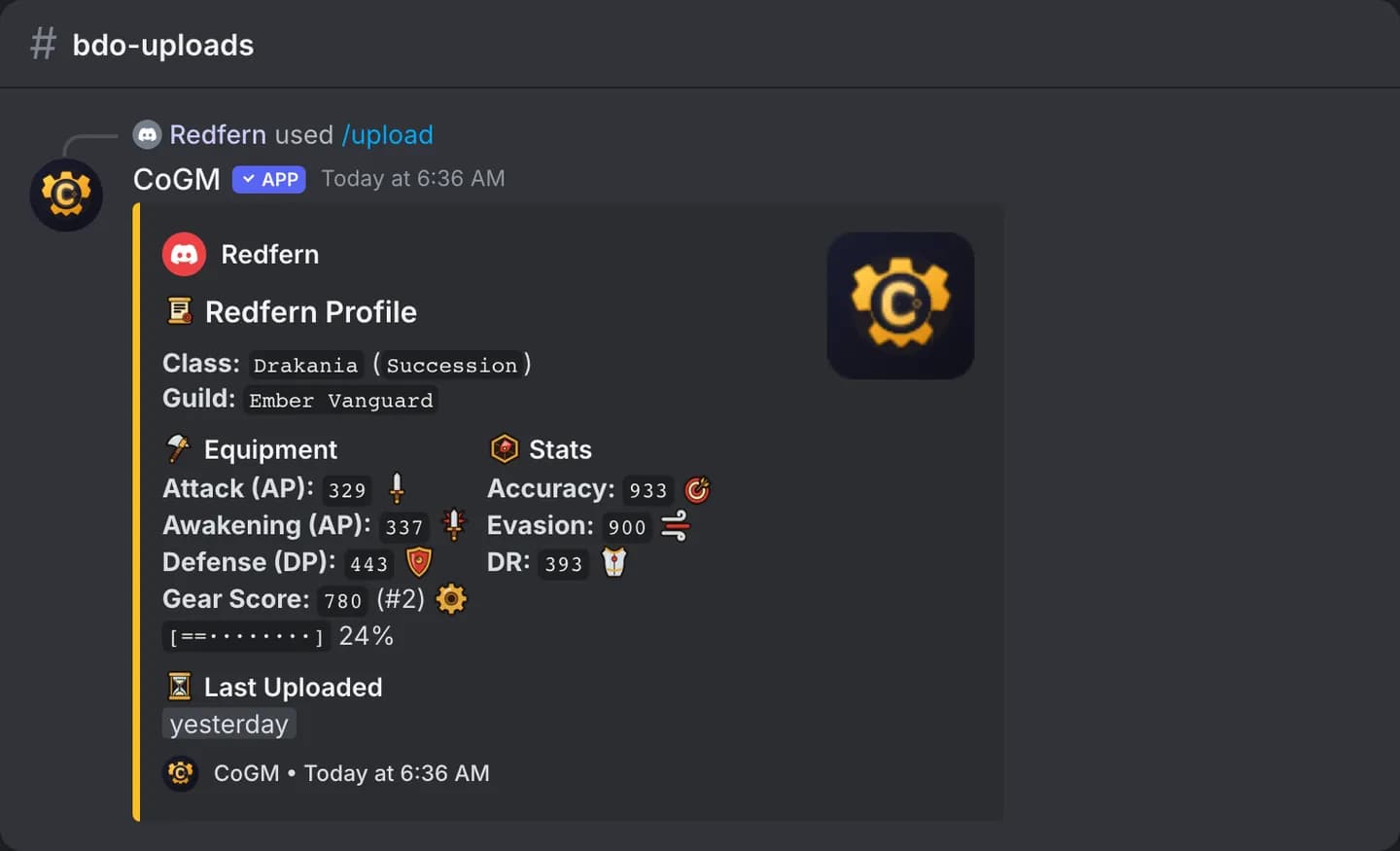
Send a screenshot of your character. CoGM reads the stats, saves them to the guild roster, and posts your card in the channel.
Who can use it
- Games: Black Desert Online, Aion 2, WoW Forever and Monsters & Memories. A community that runs none of these does not get
/upload. - Plans: Free and Pro. Free guilds have a weekly limit, shown below.
- Anyone on the guild roster can upload their own character. If your guild links a Discord member role, having that role puts you on the roster. Otherwise an officer adds you on the dashboard.
- Officers can upload for another member with
target. An officer here is the community owner or an admin, anyone with the guild's officer role in Discord, or anyone whose guild role has Manage Gear or Manage Guild Members.
Which screenshot to send
| Game | Screenshot | What CoGM reads |
|---|---|---|
| Black Desert Online | Equipment and My Stats side by side, both windows whole | AP, Awakening AP or Talent, DP, gear score, accuracy, evasion and damage reduction |
| Aion 2 | The whole screen with Stat Info (press P, then Stats, Main Stats tab) and your character panel on the right | Character name, level, Item Level or Combat Power (the number under your level), and the combat stats. Both are read and tracked; your guild picks which one its instructions ask for. Item Level ranks the legion. |
| WoW Forever | Character panel (press C) | Name, level, class and the stats pane. Send up to three screenshots of the scrolled pane in one upload. |
| Monsters & Memories | Character window, Inventory tab | Name, level, race, class, faith, health, mana, endurance, the seven statistics and the resists |
The file must be a PNG, JPEG or WebP image of 10 MB or less. Use an unedited screenshot with no tooltip over the stats.
Instructions from your guild
A new guild's overview opens on a Get your roster started card until the first screenshot upload lands. It shows the example screenshot with numbered marks for what CoGM reads, the three steps, and what to avoid. Officers who can set the guild's upload channel press Send instructions to post the same picture and steps in a Discord channel. Members press Upload screenshot on that post and attach their screenshot; it goes through the same checks and limits as /upload. Aion 2 officers also choose whether the instructions ask for Item Level or Combat Power. Once the roster has started, How members upload on the Roster page opens the same picture.
Options
/upload file:<screenshot> [character] [class] [spec] [target]Discord shows only the options that fit your community's games, so you may see fewer than this table lists.
| Option | Required | What it takes |
|---|---|---|
file | Yes (No on Monsters & Memories servers) | Your screenshot, from the table above. On a server that runs Monsters & Memories it is optional: leave it out to open a panel where you pick Main or Alt and type in your character. See No screenshot? Type it in. |
character | No | The name to save under. Black Desert Online takes your family name and keeps the saved one when blank. The other games take your character name and read it from the screenshot when blank. In a community that only plays Black Desert Online, this option is called family_name. |
class | No | Black Desert Online, Aion 2 and Monsters & Memories. Pick from the list. Blank keeps the class on file. The Aion 2 screenshot does not show the class, so your first Aion 2 upload asks for it once. In Monsters & Memories, use it when the screenshot's class can't be read. A class already on file is kept: change it with /character edit. |
spec | No | Black Desert Online only: Awakening or Succession. Classes that only have Ascension get it on their own. Skip it for Shai. |
file2, file3 | No | WoW Forever only: more of the stats pane, scrolled down. They merge with file into one upload. |
target | No | Officers only: the member to upload for. |
Upload your character
Take the screenshot
Open the window from the table above in game and take a full screenshot.
Run /upload in your guild's channel
Type /upload, attach the image to file, and send. If your community runs more than one game, run it in the upload channel of your game's guild so the bot knows which game it is.
Check the card
The bot posts your card with the stats it read. If a number is wrong, ask an officer to fix it. To refresh your stats later, use /update.
Black Desert Online
Your first upload needs your family name, your class and, for classes with an Awakening and Succession split, your spec. Leave them blank and the bot asks before it saves. After that you can leave all three blank. The card shows your gear score and your rank in the guild.
Aion 2
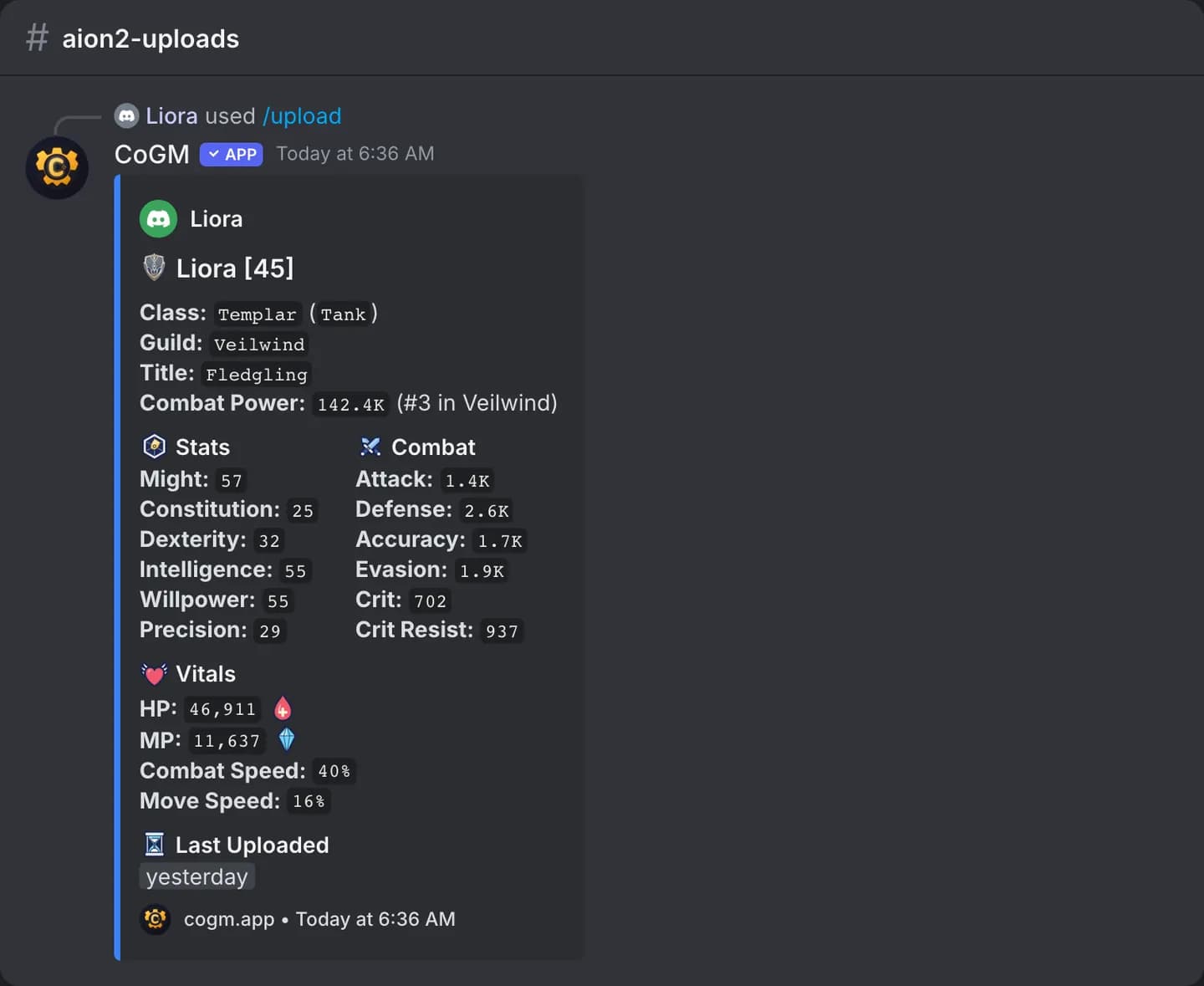
The name comes from the screenshot unless you type one in character. Each character name can belong to one member per legion. To change your class later, use /update class.
WoW Forever
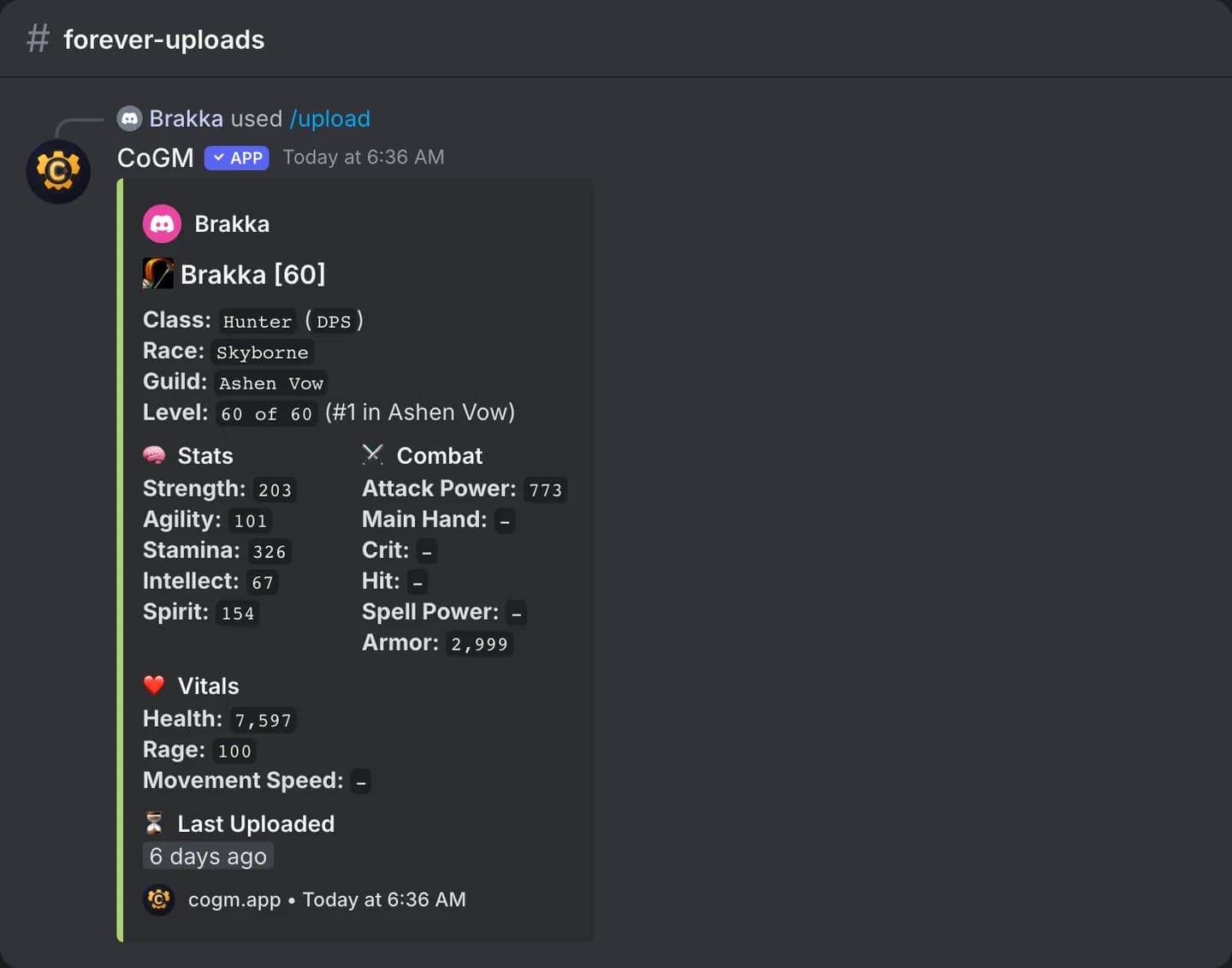
Type your full name in character if the screenshot cuts it off. A new character becomes your main only when it is your first in that guild. Uploading an alt never renames your main.
Monsters & Memories
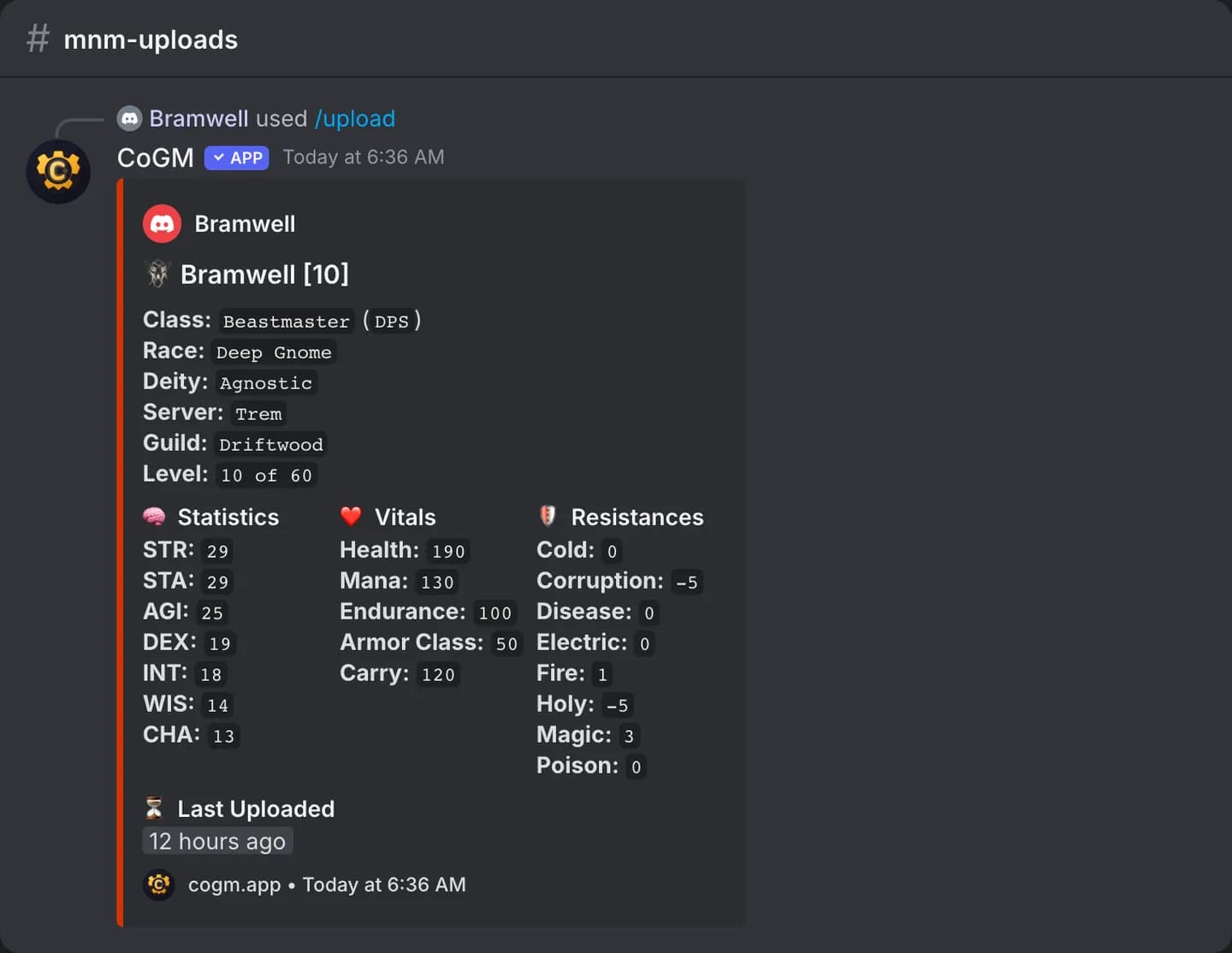
What you typed by hand stays. An upload keeps the saved name and class, fills the race only when none is saved, and never lowers your saved level. To change these yourself, use /character edit. To refresh later, run /update stats (/update gear on a server that also runs Black Desert Online) with a new character window screenshot (Inventory tab). /update class fixes a class the screenshot read wrong. See /update.
The confirmation message
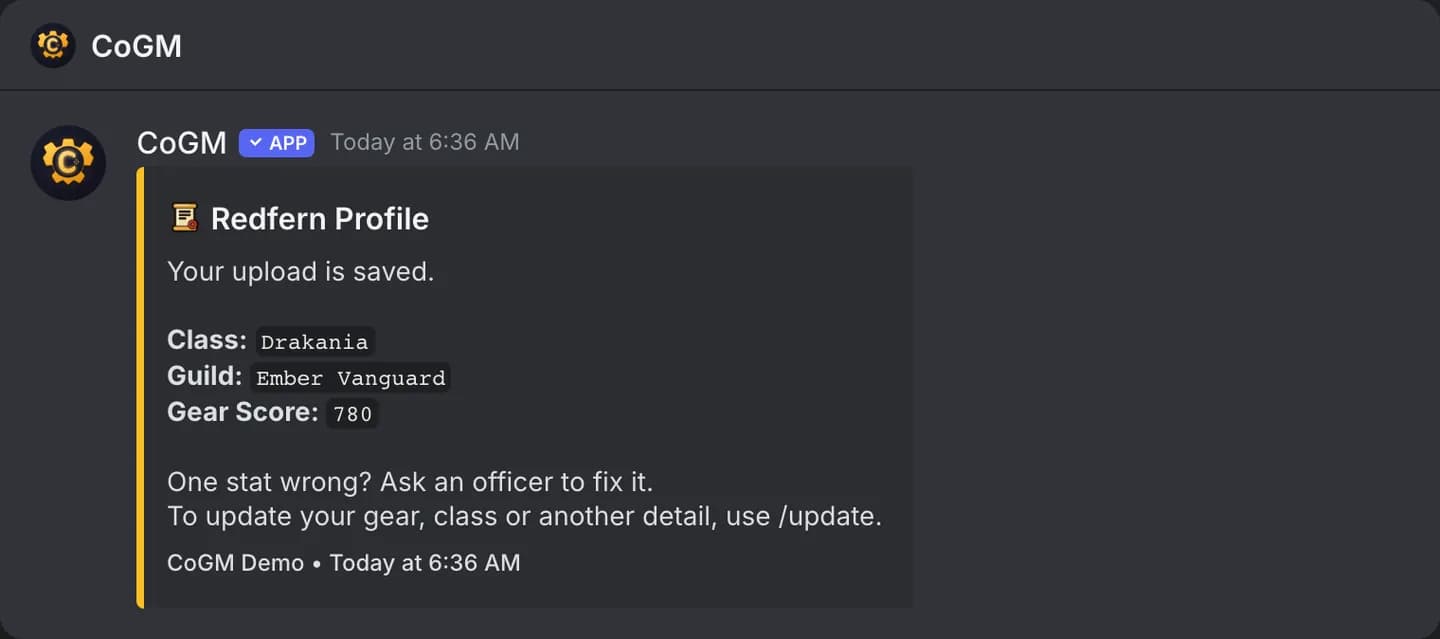
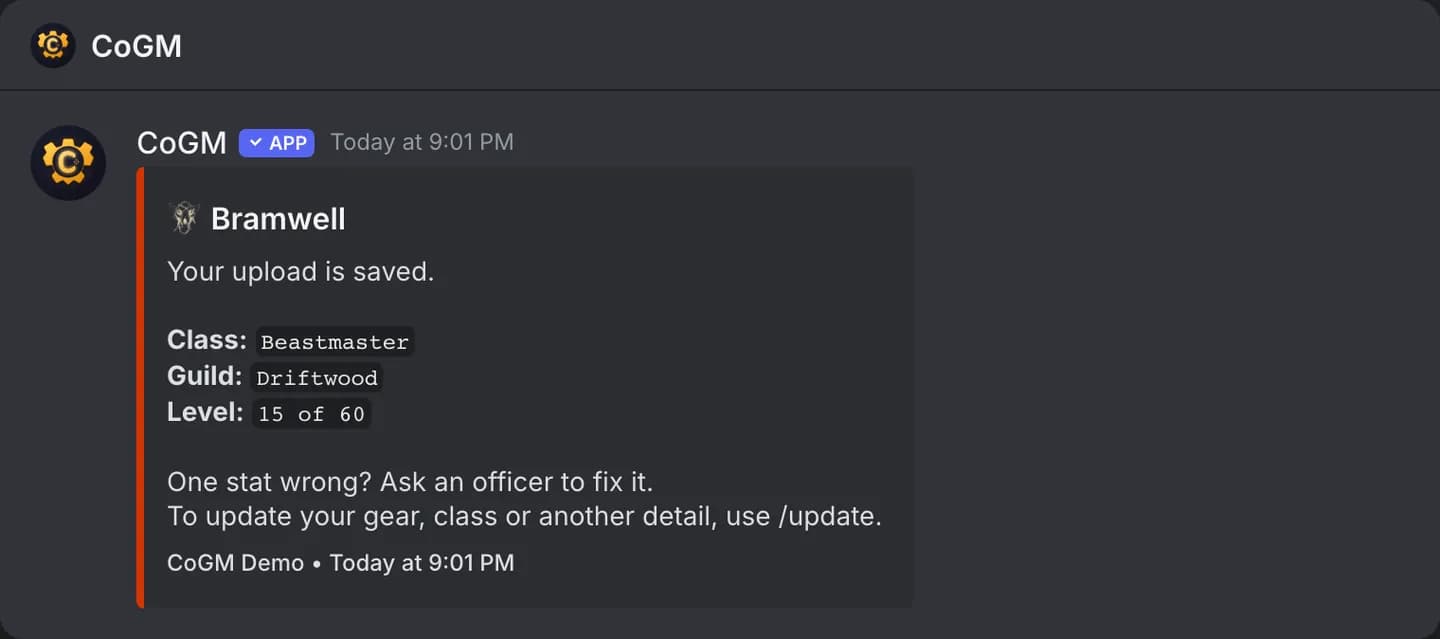
After every saved upload, the bot sends you a direct message with what it saved: the name, class and the game's headline number (gear score, Combat Power, item level or level). If your DMs are closed, the card in the channel is your confirmation.
Weekly limits
| Plan | Uploads | Screenshot reads |
|---|---|---|
| Free | 30 per guild | 40 per guild |
| Pro or trial | No limit | No limit |
- Each guild has its own count, at that guild's own plan. A Pro guild stays unlimited when another guild in the community is on Free.
- The window is a rolling 7 days. Each upload frees up again 7 days after it was made. There is no weekly reset day.
- On Free, the card footer shows how many uploads the guild has used, for example
Uploads: 12/30. - A Free guild has room for 30 members with uploads. Once it is full, an upload that would add a new member is turned away and the reply gives that person their place on the waitlist. See Member limit and waitlist.
Private replies
In the guild's gear privacy settings on the dashboard, an officer can turn on Private /upload replies. Then only the uploader sees the card. Private gear profiles also hides other members' cards from /gear and /profile.
Common problems
- "You are not on this community's roster yet": ask an officer for the guild's Discord member role, or to add you on the dashboard.
- "This community runs several games and this channel is not set up for any of them": run it in your guild's upload channel. An officer sets one per guild in that guild's Discord settings.
- A stat is wrong: send a cleaner screenshot with
/update stats(/update gearon a server that runs Black Desert Online), or ask an officer to fix the number with /edit (Black Desert Online, Aion 2 and WoW Forever; /character edit on Monsters & Memories). - "Your guild has used all 30 uploads this week": wait for older uploads to leave the 7-day window, or move the guild to Pro.