Guild Bank
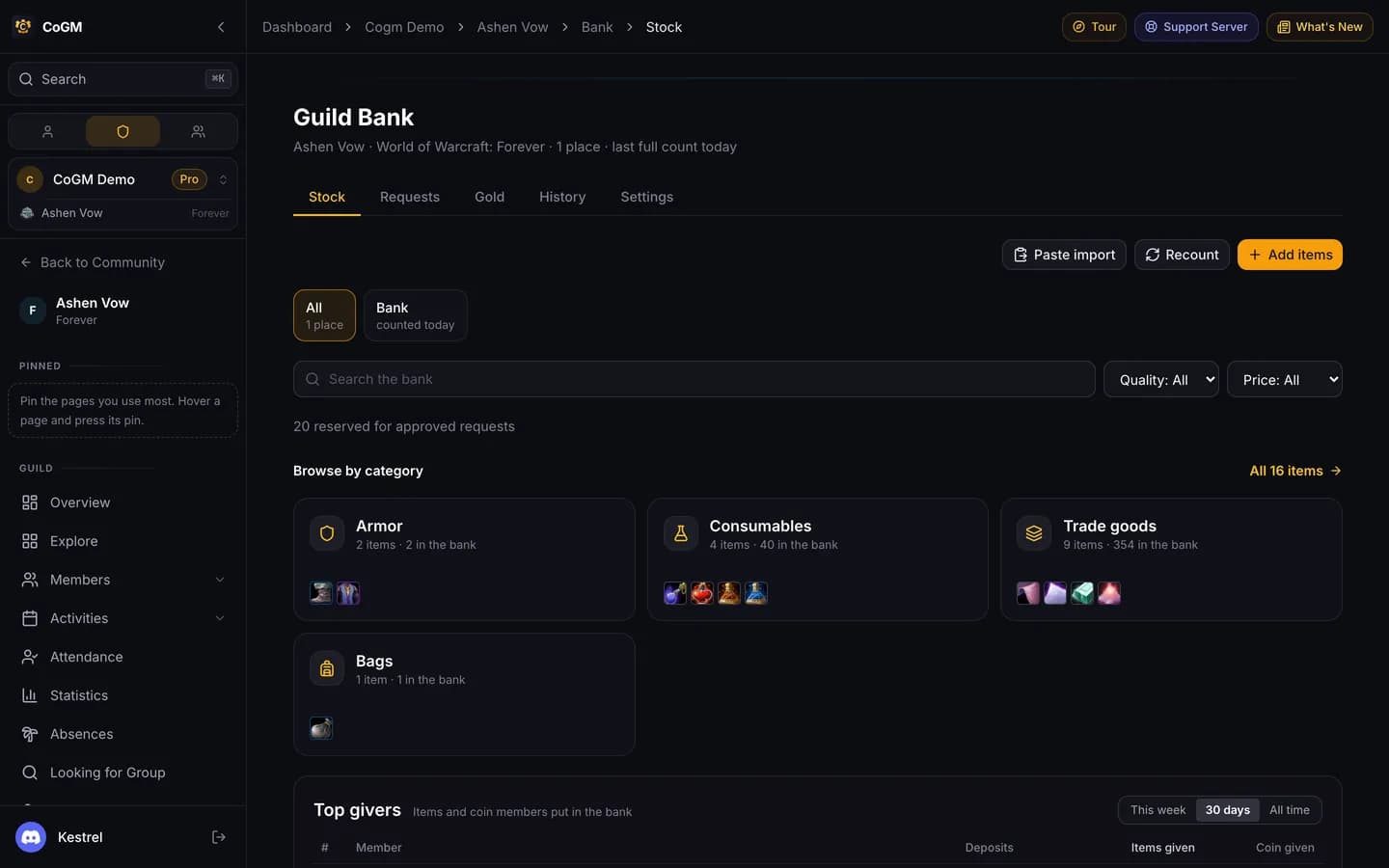
Keep count of what each bank alt or banker holds. Members request items, an officer approves and hands them over in game, and every movement lands in the history.
Who can use it
- WoW Forever and Monsters & Memories guilds. Other games do not have a bank.
- Pro, on the guild's own plan or its trial. On Free the Bank page shows an upgrade card.
- View Bank lets members browse and request. Every member has it by default. Manage Bank Storage covers stock, prices and requests. Manage Bank Treasury covers gold or coin.
The tabs
- Stock: every item in the bank, by category, with how many are in, reserved and their price.
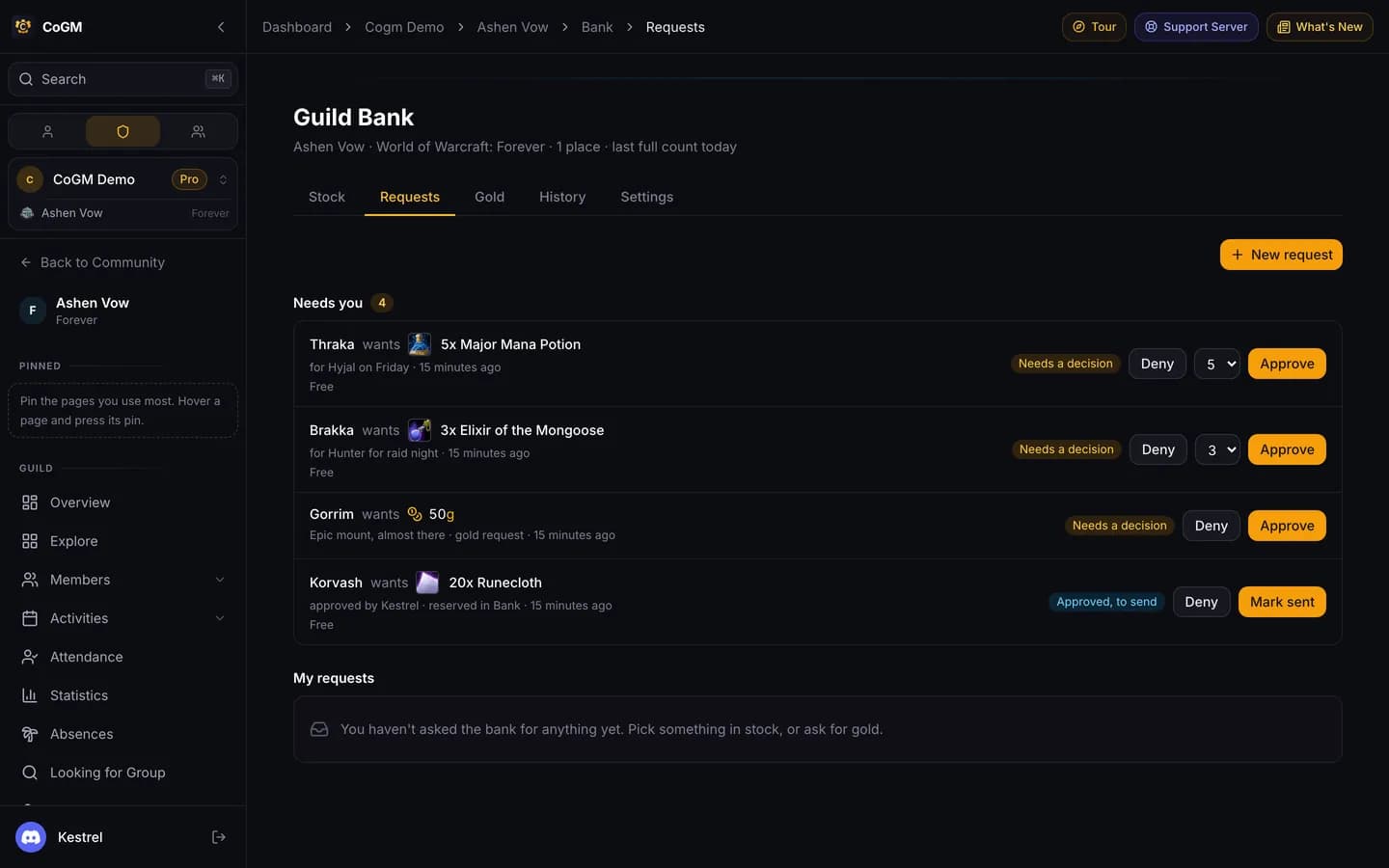
- Requests: members ask for items here; officers approve or deny.
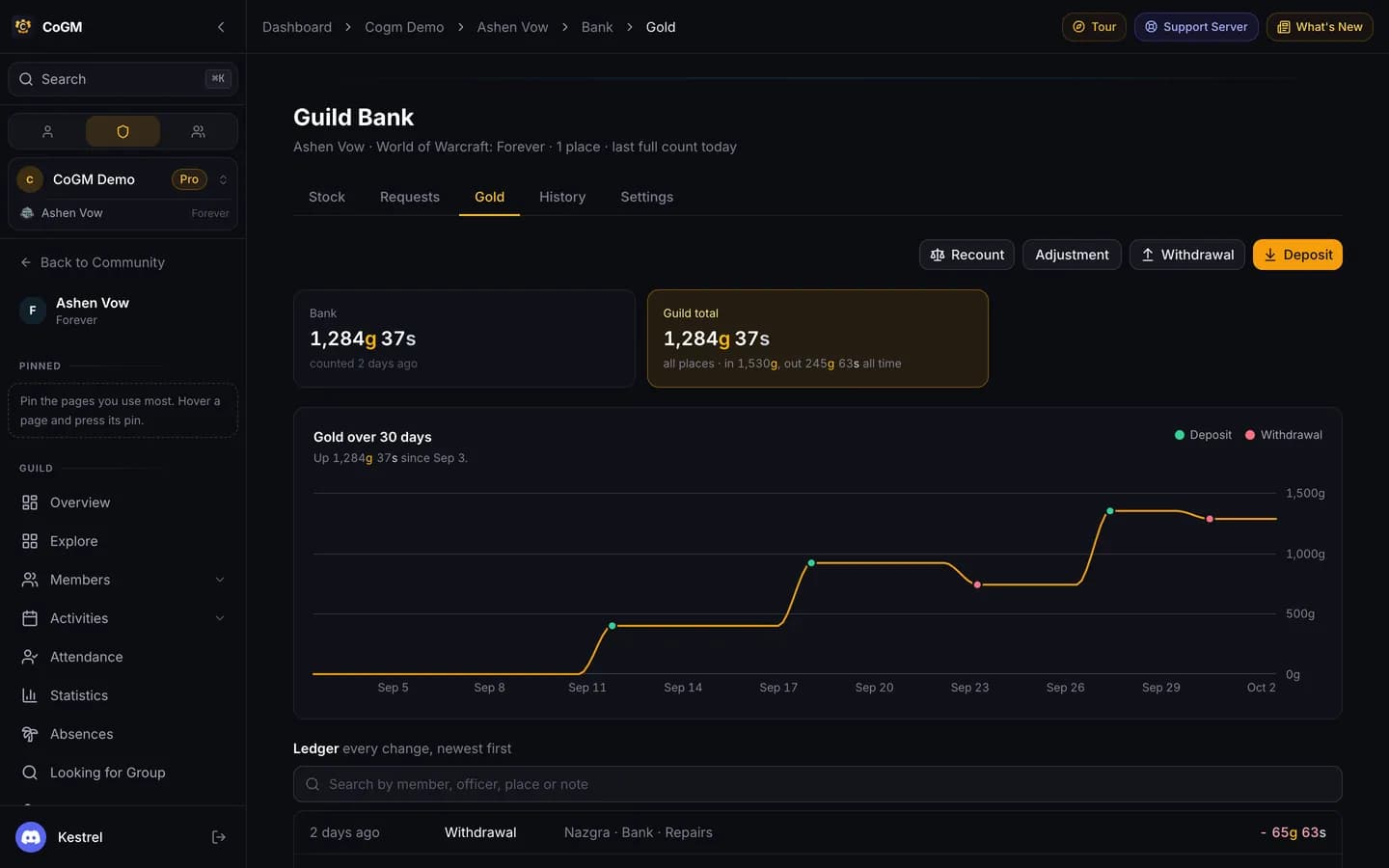
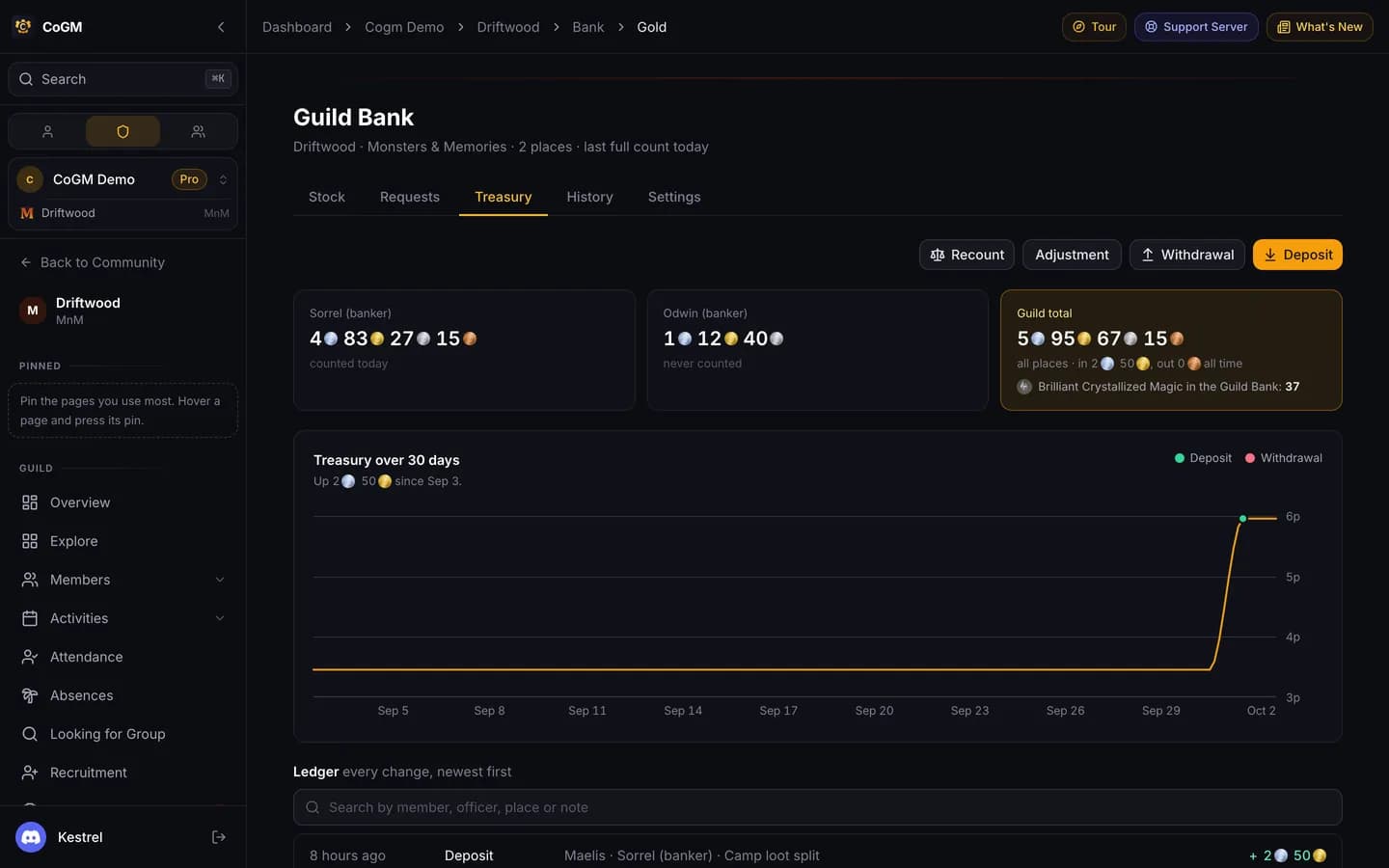
- Gold on WoW Forever, Treasury on Monsters & Memories: what the guild holds and every movement in and out. Officers always see it. Members see it when Members see gold (or Members see the coin) is on.
- History: every change, searchable by member, place and kind.
- Settings: officers only. Places, the Discord channel and donation rules.
Set up the bank
Add your places
Fill the stock
Set prices
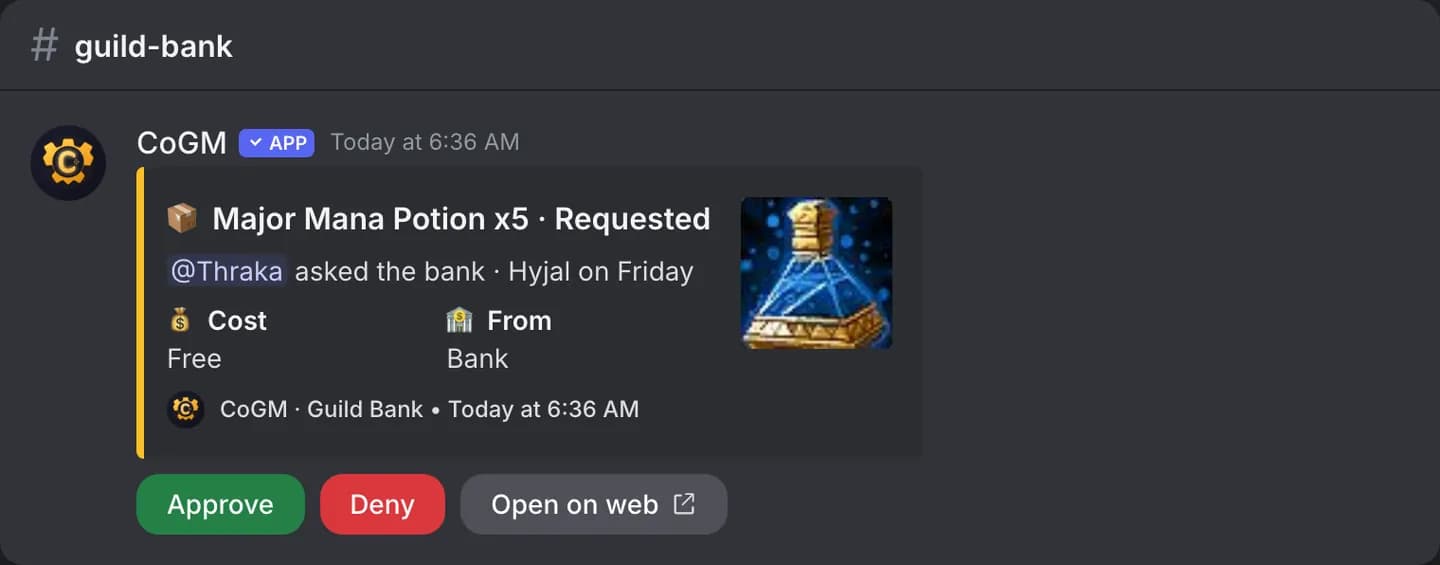
Pick a Discord channel
Requests
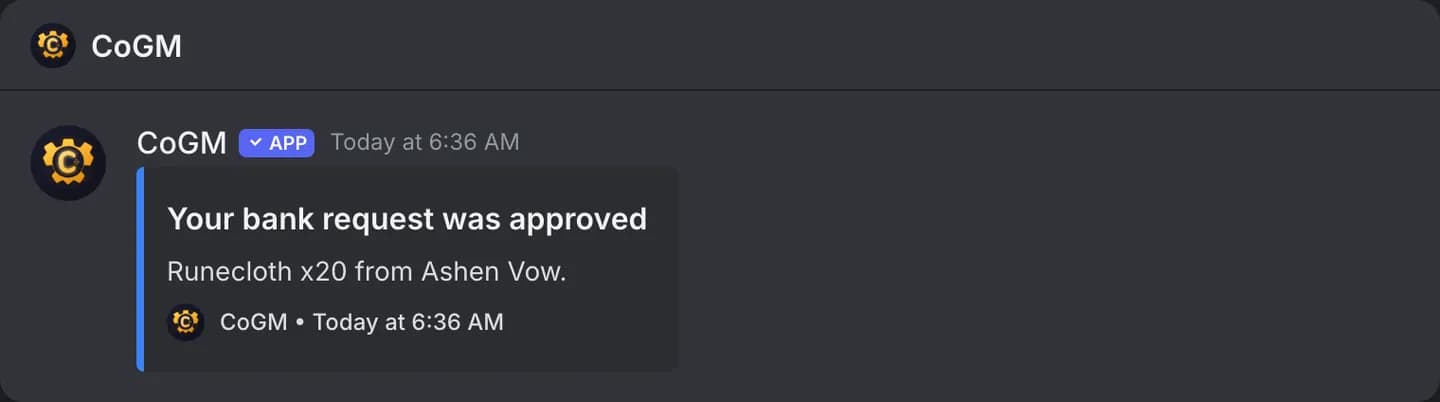
A member opens Requests, searches the bank, and requests a number of an item with a reason. Items reserved for approved requests show as out of stock. An officer approves or denies, hands the items over in game, and marks the request sent. DKP prices come off the member's balance when the item is sent.
Gold, coin and donations
Officers record money coming in and going out, with a note and who it was for. Monsters & Memories counts platinum, gold, silver and copper, per banker, and converts them for you: 100 copper is a silver, 100 silver a gold, 100 gold a platinum.
Members can log a donation. With Officers confirm donations on, it waits until an officer confirms they have it. Confirmed donations count toward the top givers list.
In Discord
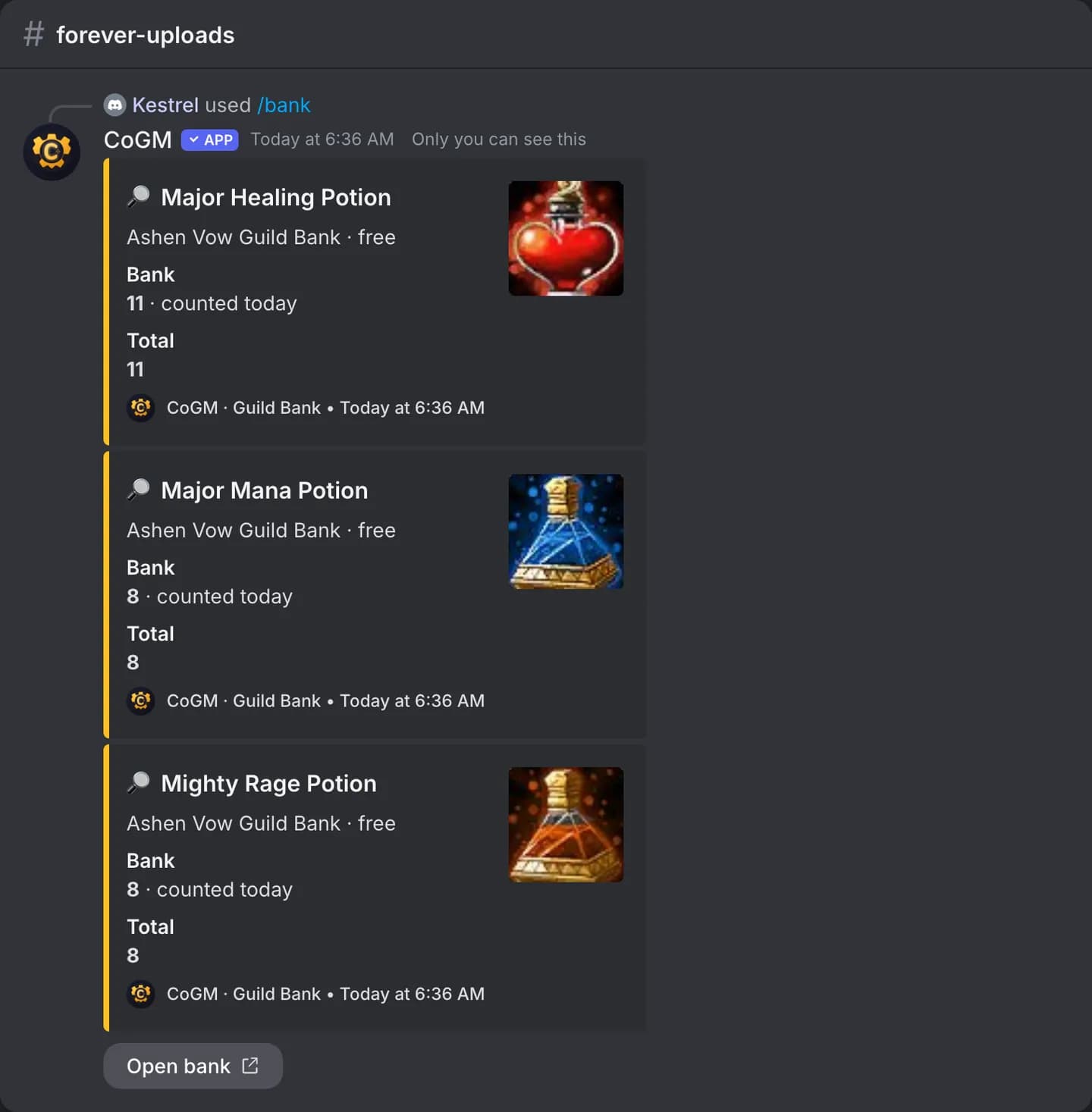
/bank search with part of an item name shows how many the bank has, where they sit, and how many are free.
Keep counts honest