FreeNew
/apply
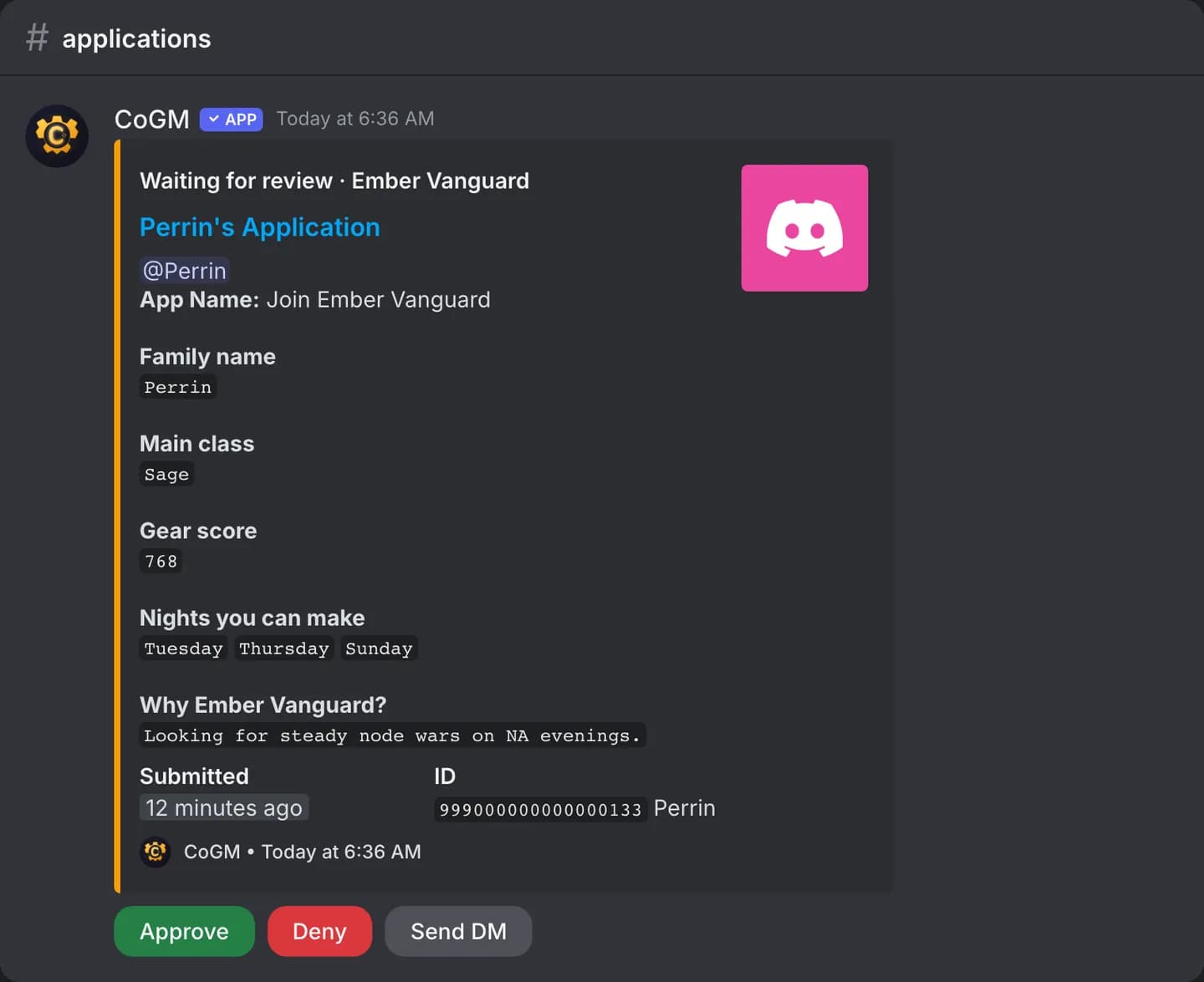
Apply to join from Discord. The bot asks the application questions in a private message, then posts your answers for the officers to review.
Who can use it
- Games: all of them. Plans: Free and Pro. Applications are free on every plan.
- Anyone in the server, signed in to CoGM or not. People on the community's blocklist, or with an application already pending, are turned away.
- The community needs at least one active application form, made on the dashboard.
Syntax
/applyThe command has no options.
Apply
- Run
/apply. If the community has more than one form, pick one from the menu. A form made for one guild is labeled with that guild. - The bot sends the questions to your DMs, one at a time. Answer each one there. Type
cancelin the DM to stop and start over. - When you finish, the application is posted for the officers.
Your DMs must be open to members of the server. If they are closed, the bot tells you how to open them.
Review
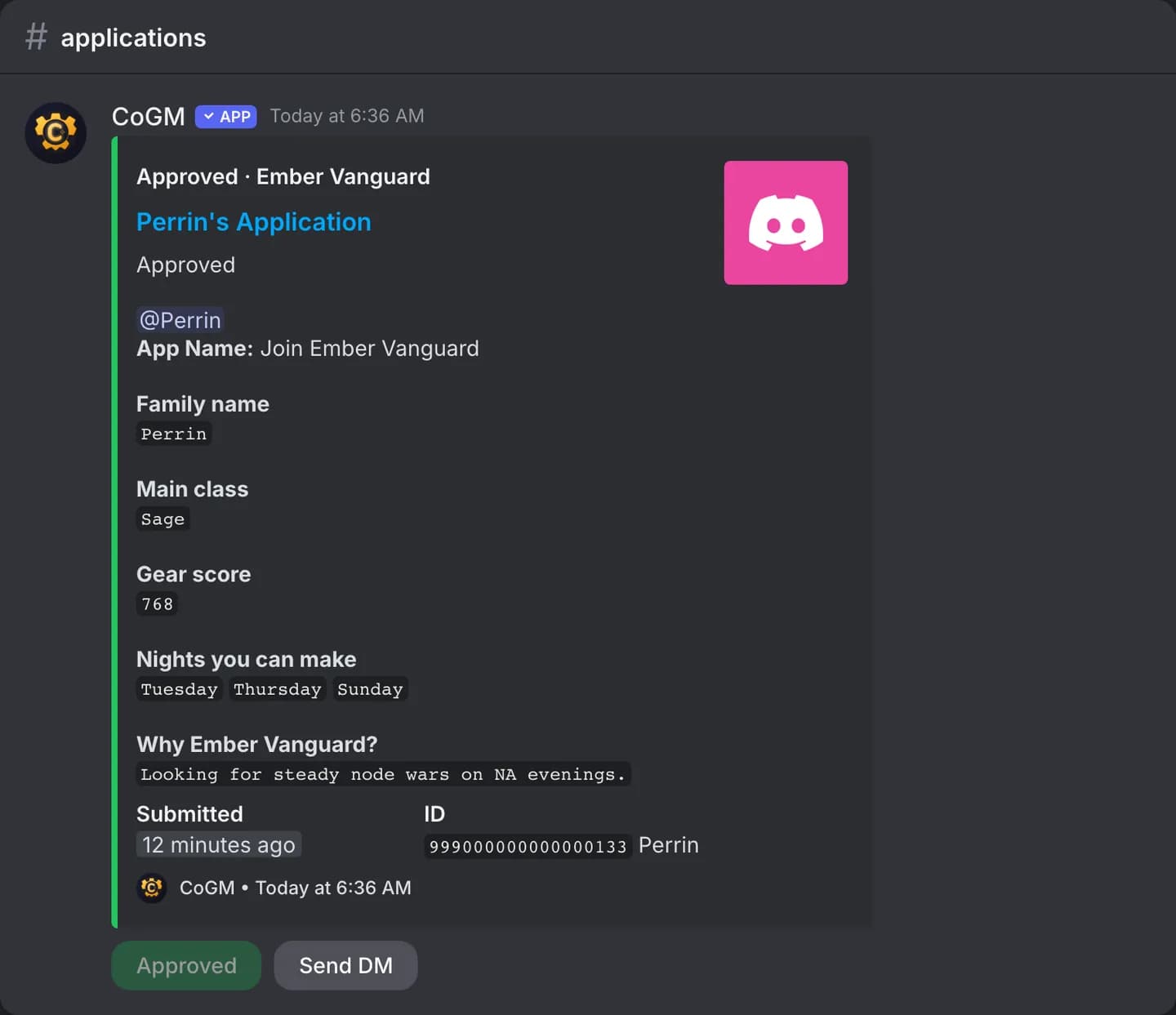
Officers with the Manage Applications permission, or Manage Guild Applications for a guild's own form, press Approve or Deny on the post. The post updates to show the decision. On Free, approving into a guild that already has 30 members is refused until it moves to Pro.
Forms, questions, the apply button and the review settings are on the dashboard. See Applications.