Free
Quests
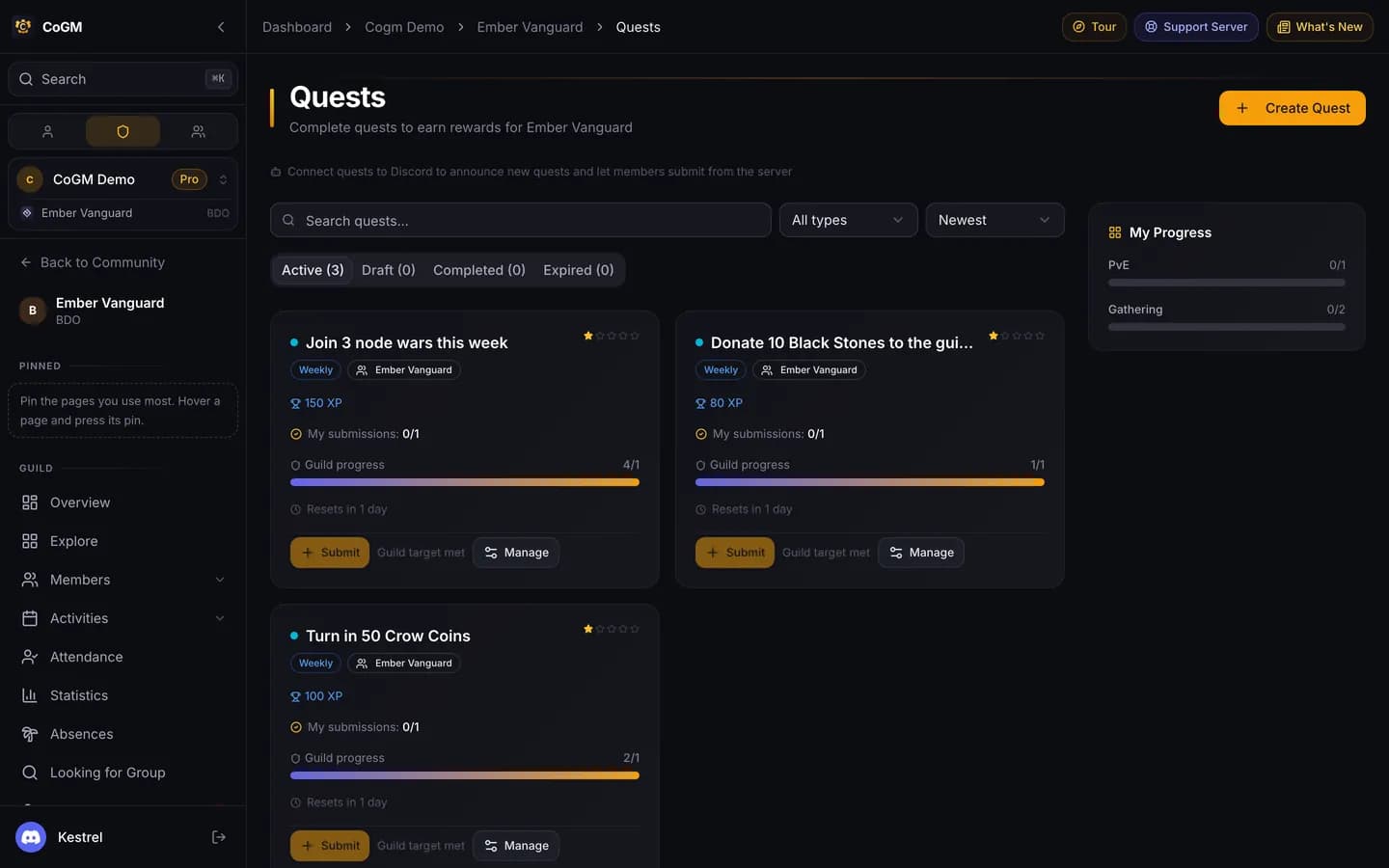
A quest is a task for your members, such as weekly dungeon runs or a crafting goal. Members submit a record, an officer approves it, and the reward pays out.
Who can use it
- Every game. Free on every plan.
- Create Quests lets an officer post quests. Manage Quests covers editing them and reviewing submissions.
- Every member can browse active quests and submit.
Create a quest
1
Open Quests
Open Quests in the guild sidebar for a guild quest, or in the community sidebar for a community-wide one. Press Create Quest.
2
Describe it
Give it a title and a description. Pick the type (One Time, Daily, Weekly or Monthly), a category, a difficulty and a priority. Start and end dates are optional.
3
Set the reward
Add an XP reward, a DKP reward, or both. DKP only pays on a guild quest, in a game and plan that has DKP.
4
Set how it completes
Set how many submissions finish it for the guild and for each member. Turn on Evidence required to ask for a screenshot or description, or Auto-approve submissions to skip review.
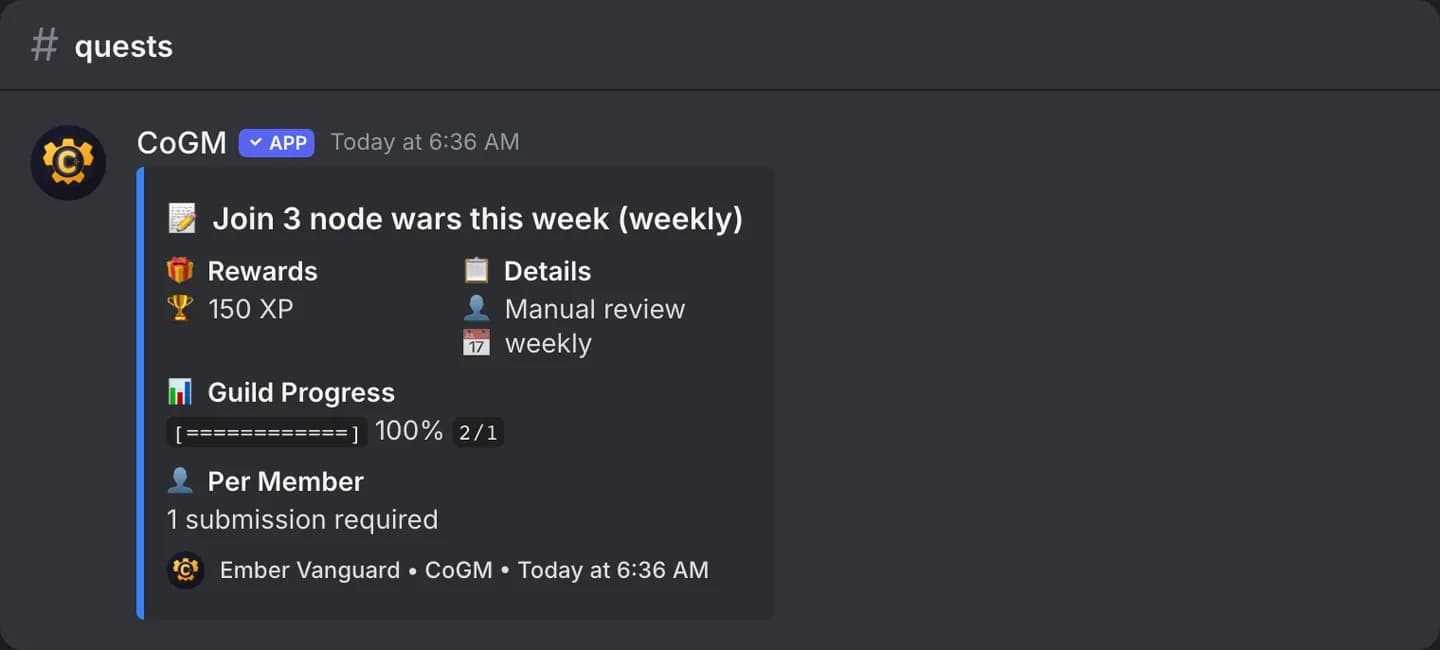
A new quest starts as a draft. Activate it to make it live and announce it.
Submit and review
- Members submit from the quest's Discord post, with
/quests submit, or on the dashboard. /quests listshows quests, filtered by Active, Draft or Completed.- Officers approve or reject each submission. The reward pays when a submission is approved.
Discord settings
In the guild's Settings, open the Quests tab and turn on Enable Discord Integration. Then pick:
- a Quests Channel, where new quests are announced;
- a submissions channel, a logs channel and an archive channel;
- a role to ping on new quests, and a staff role to ping on submissions.
Changing a reward
Rewards are read when a submission is approved. If you change a reward while submissions wait for review, approving them pays the new amount.