/remind
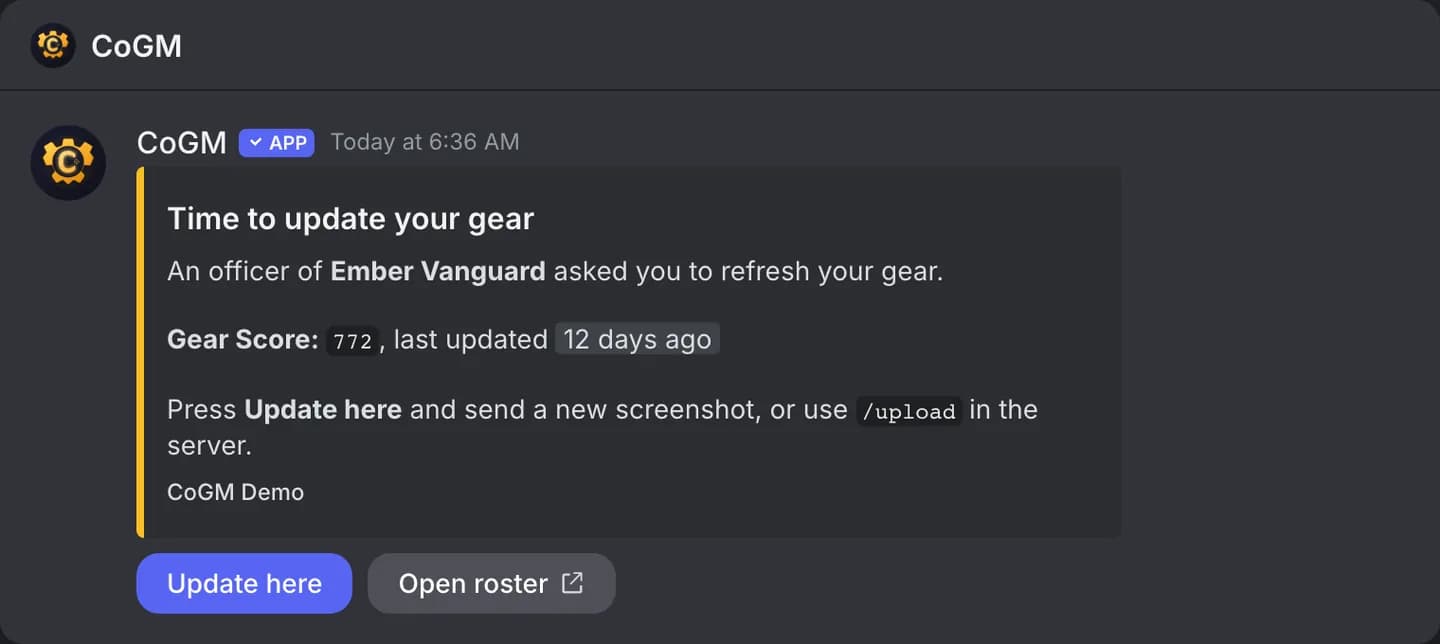
Ask everyone with an old upload to send a new one. The bot messages each of them privately with their current numbers and how to update.
Who can use it
- Games: Black Desert Online, Aion 2, WoW Forever and Monsters & Memories. Plans: Free and Pro.
- Officers of the guild you remind: the community owner or an admin, anyone with the guild's officer role in Discord, or anyone whose guild role has Manage Gear or Manage Guild Members.
Options
/remind days:<number> [guild]| Option | Required | What it takes |
|---|---|---|
days | Yes | Members whose newest upload is older than this many days get a reminder. Members who never uploaded get one too. |
guild | No | The guild to remind. Blank uses the channel's guild, or the only guild that plays the game. |
Who gets a message
- Current members of the guild only, with a linked Discord account. The reply counts those without one.
- Members already reminded in the last day are skipped, so running it twice does not message anyone twice.
- Up to 200 members per run. If there are more, run it again and it picks up the rest first.
- The messages go out over the next few minutes, about one per second.
Updating from the reminder
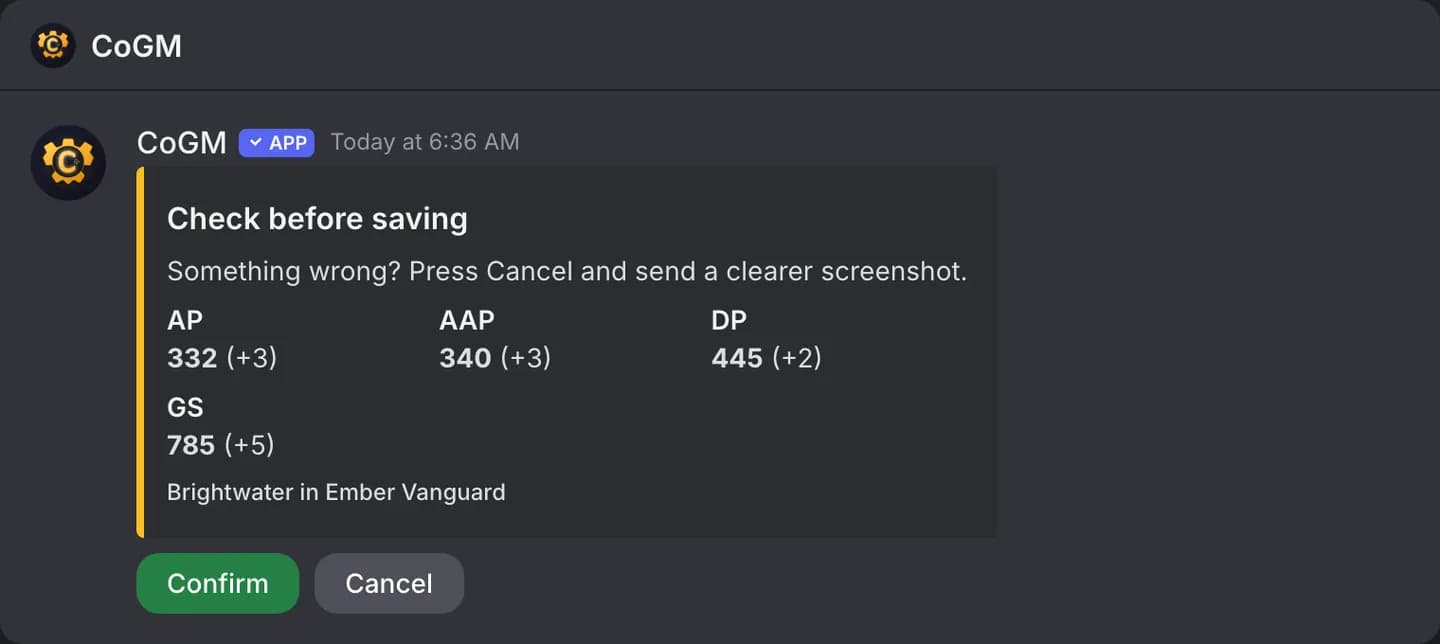
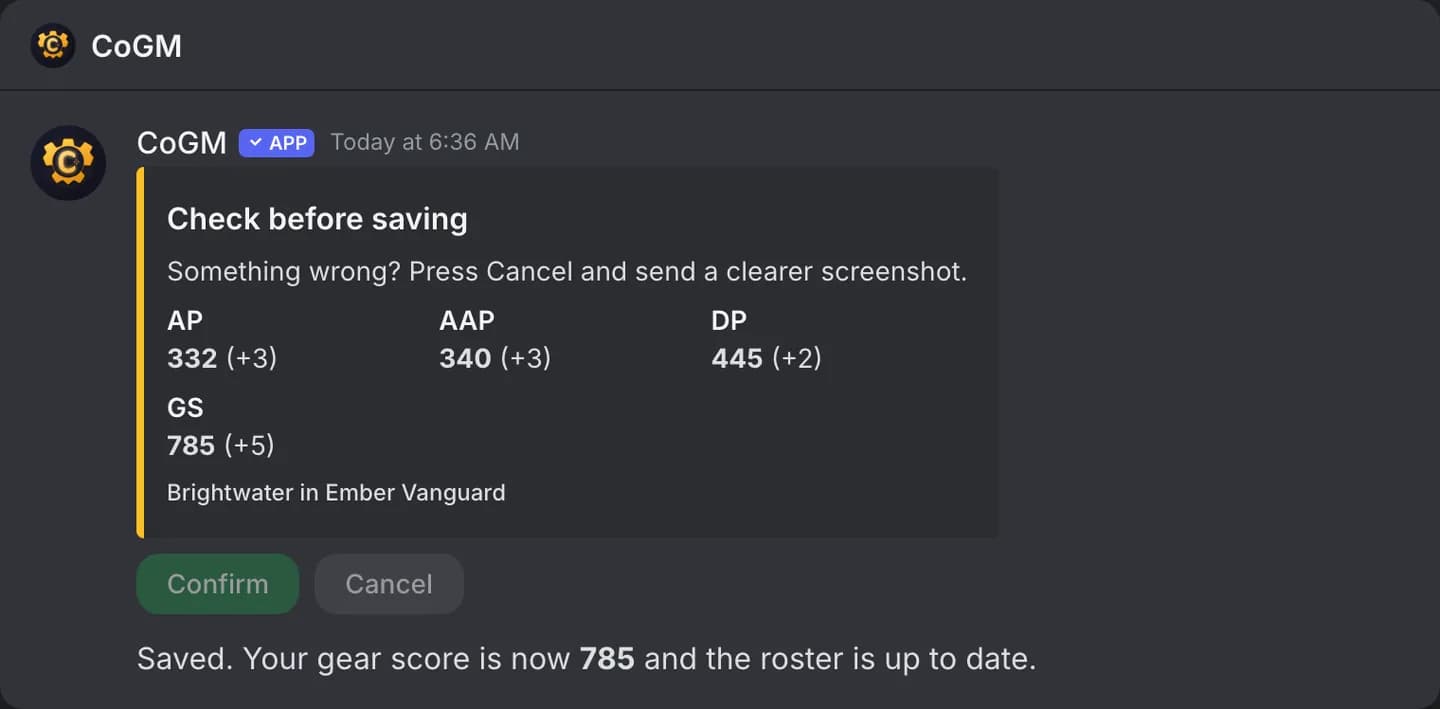
Every reminder lists the steps for its game: the window to open, the screenshot to take, and where to send it. In Black Desert Online, a member with a character in the guild can press Update here, send the new gear screenshot in the same DM, check what the bot read, and confirm. Nothing saves until they confirm. Aion 2 members with a character in the legion send their Stat Info screenshot the same way, and it saves as /update stats would.
In Monsters & Memories, Update here opens the same character panel as /upload with no file: pick Main or Alt, then send a screenshot or type in the name, race, class and level. In WoW Forever, the member sends their character panel screenshots in the DM and they save as an /upload would. In both games a member with no character yet gets the button too, and it adds their first one. Members whose characters sit in another guild are pointed to /upload. When the guild has an upload channel, the reminder links to it. Every reminder has an Open roster button.