Free
Leveling
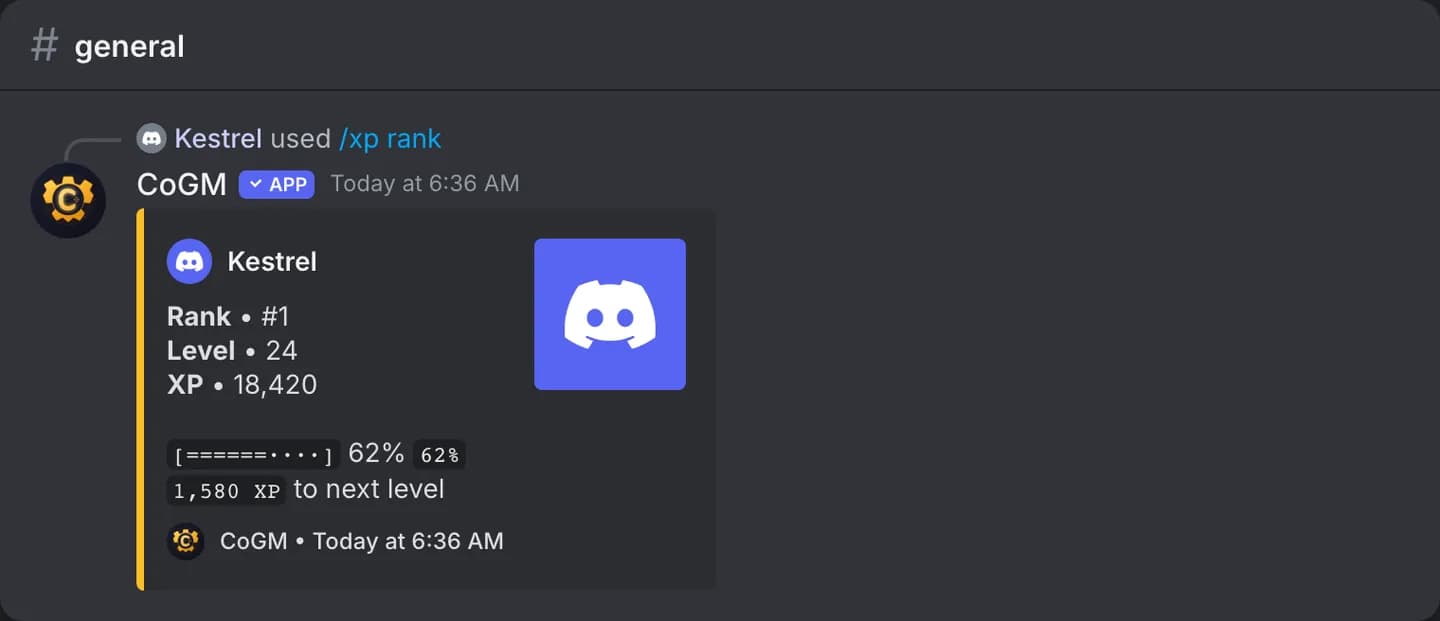
Members earn XP for chatting and for time in voice. They level up, earn reward roles, and see their rank with /xp.
Who can use it
- Every game. Leveling, level rewards and the rank card are free on every plan.
- Rank Roles, XP Loot and Activity Streaks need Pro. See Discord Features.
- Manage Bot Config turns leveling on. Manage Leveling Config and Manage Level Rewards cover XP rates and reward roles.
Turn it on
1
Enable leveling
In the community sidebar, open Discord Features. Turn on the switch on the Leveling card.
2
Open the settings
Click the Leveling card to open the leaderboard, then press Settings.
3
Tune XP and rewards
Set XP per Message, XP per Voice Minute, the XP Cooldown between messages, and the Level Formula (Linear or Exponential). Pick an announce channel for level-ups if you want one. Under Level Rewards, give a Discord role at a level.
The leaderboard
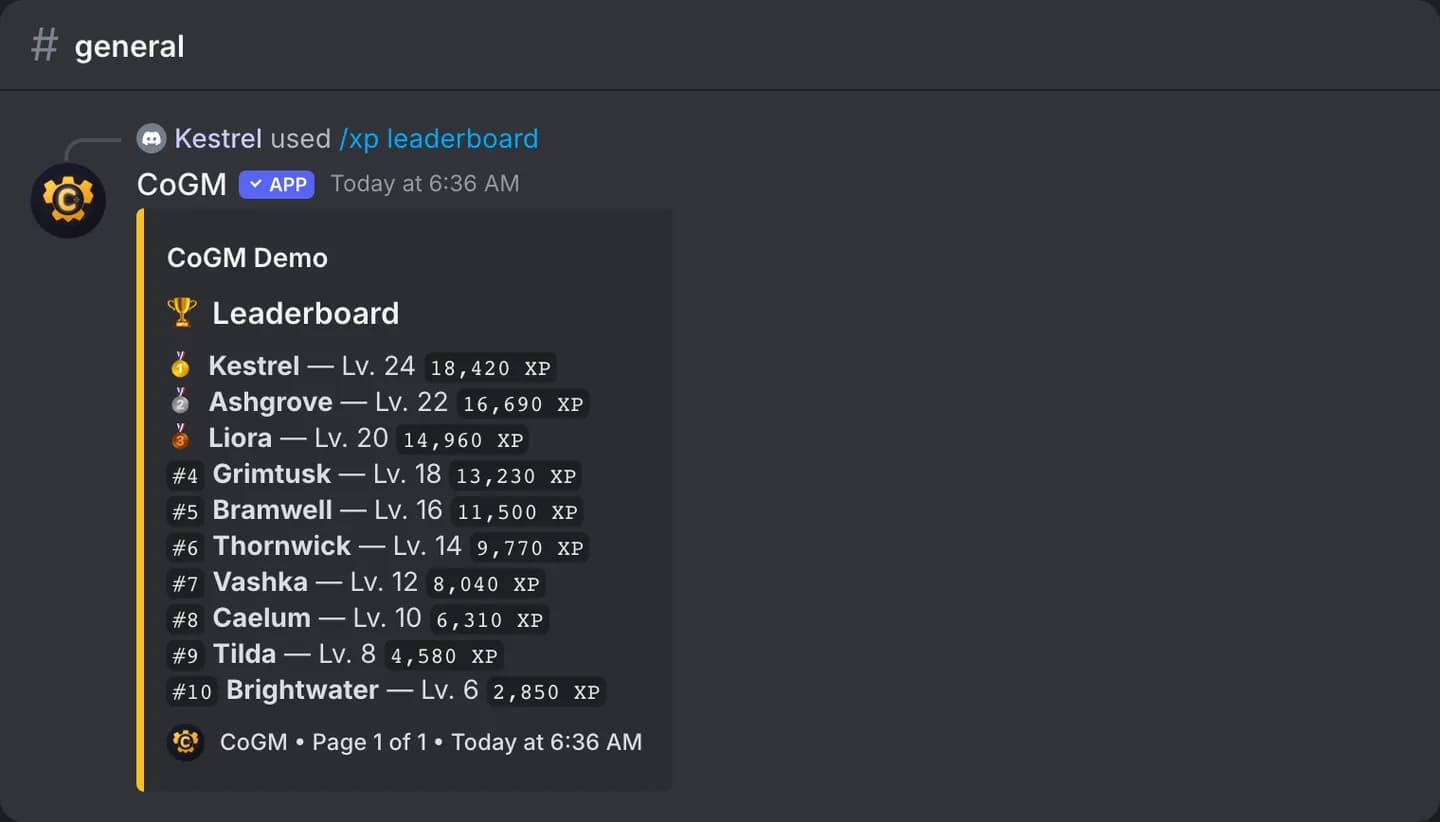
The Leveling page, behind the Leveling card, ranks members by XP. In Discord, /xp leaderboard shows the same, a page at a time, and /xp streak shows your activity streak when streaks are on.
Bonus XP
Officers can grant bonus XP to a member from Leveling Settings, with an optional reason. Quests can also pay XP; see Quests.
Analytics needs leveling
The community Analytics page counts messages and voice from the XP the bot records. Turn leveling on to fill it. See Community Health.
Command reference: /xp.