ProNew
/bank
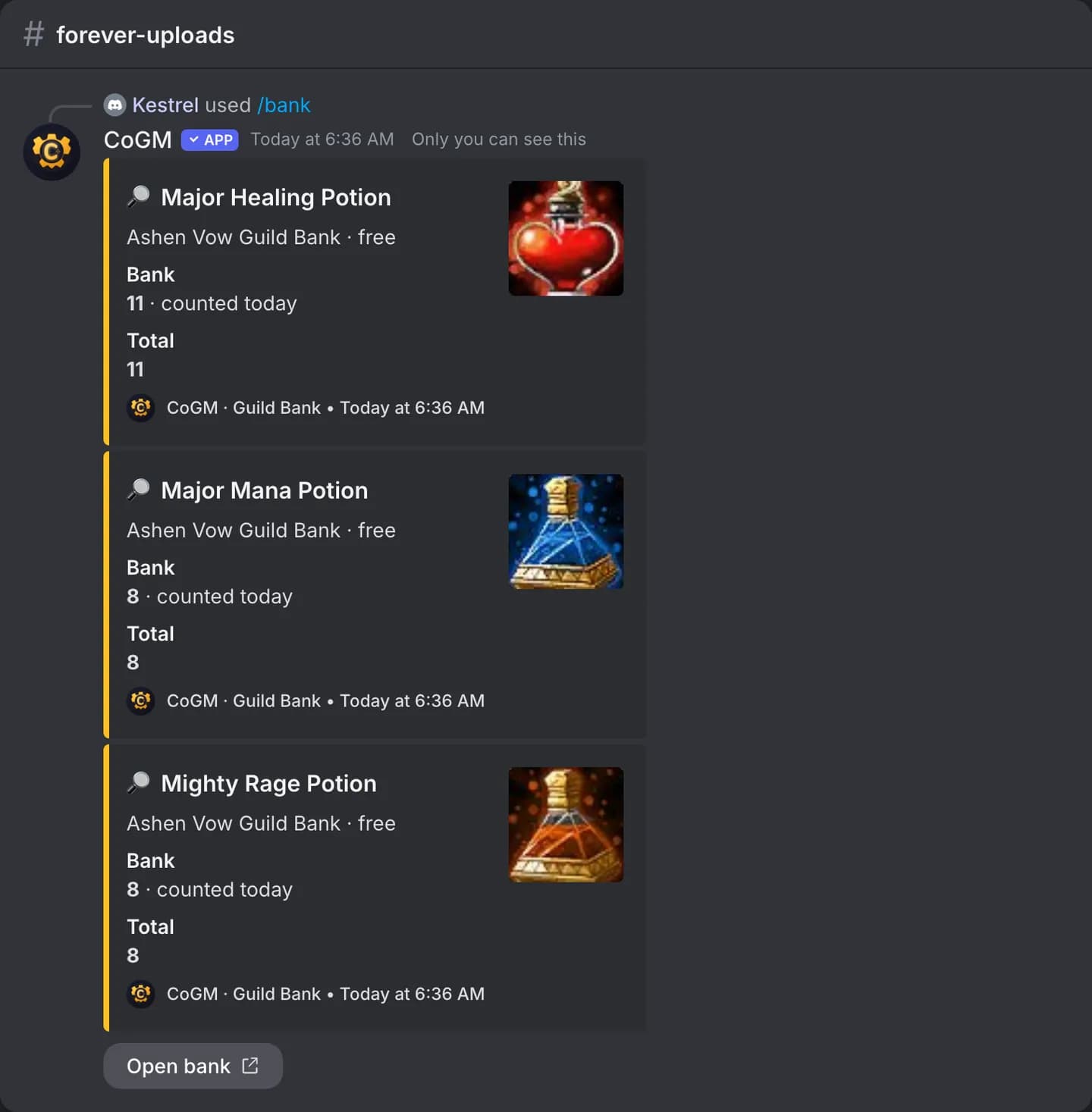
Find an item in the Guild Bank without opening the website. Bank requests also land in Discord for officers to approve.
WoW Forever
Who can use it
- Games: WoW Forever and Monsters & Memories. Plan: Pro or a trial, per guild.
- Members of a guild with a Guild Bank who have the View Bank permission. Members have it by default.
- You need to be signed in to CoGM with Discord, so the bot knows your guild. The reply is only visible to you.
/bank search
/bank search item:<name>| Option | Required | What it takes |
|---|---|---|
item | Yes | The item name, or part of it, 2 to 80 characters. |
The reply shows up to 5 matching items. For each, it lists every place in the bank that holds it, how many are there, and when that count was last taken.
Bank requests
WoW Forever
WoW Forever
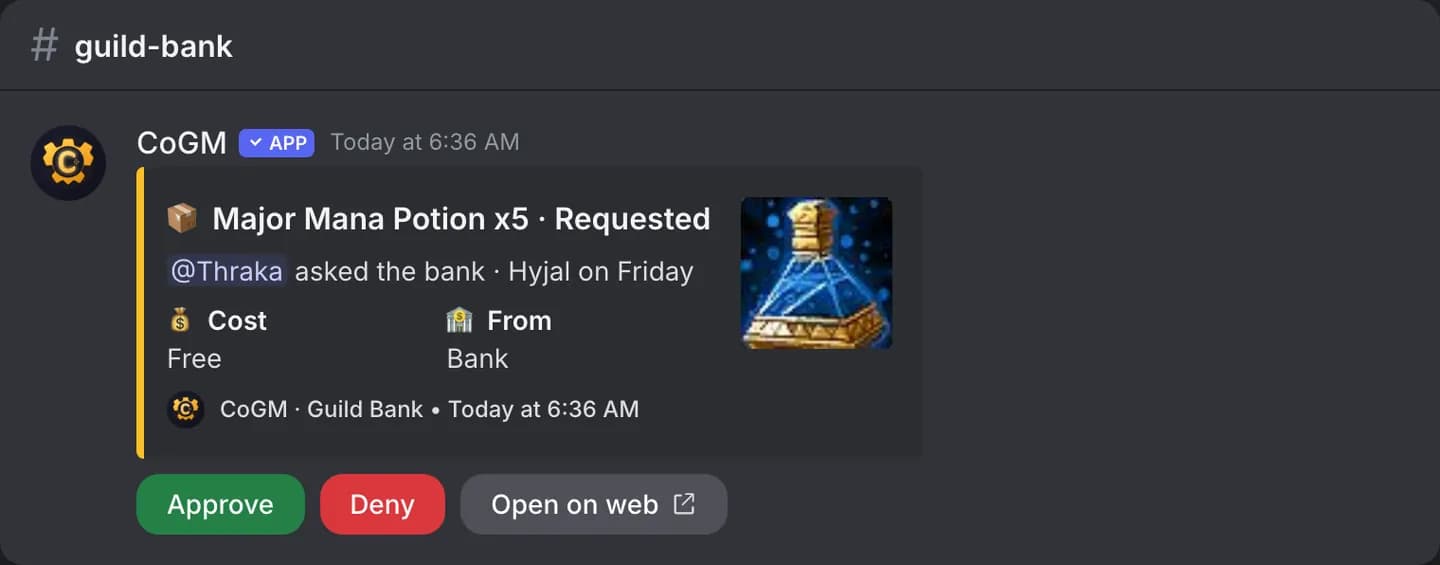
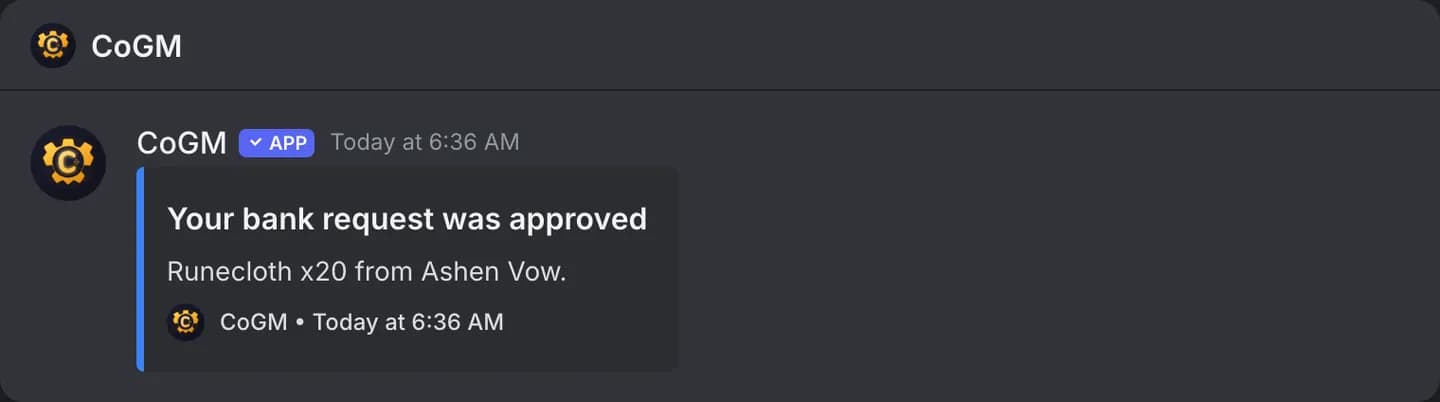
When a member asks for items on the Guild Bank page, the request is posted in the guild's bank channel. Officers press Approve or Deny, then Mark sent once the items are handed over. The member gets a direct message when the request is decided or sent.
Stock, gold and requests are managed on the dashboard. See Guild Bank.