FreeNew
/quests
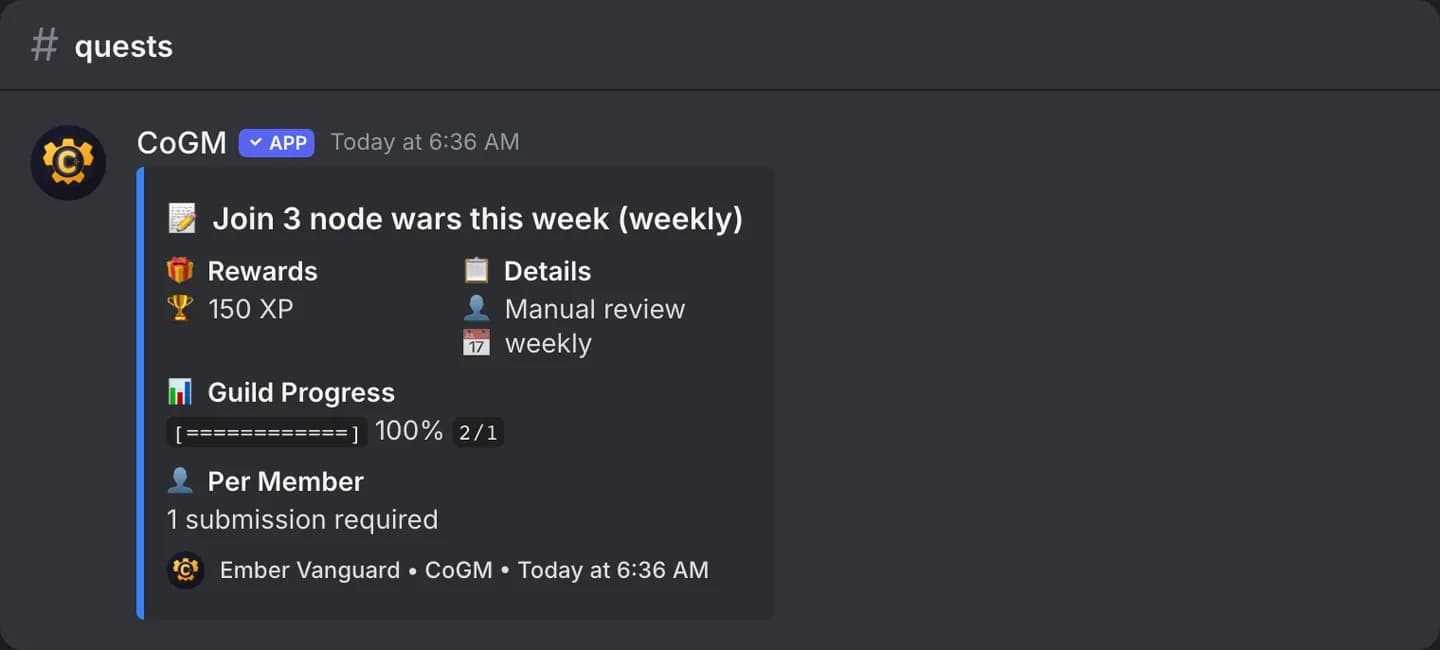
See what quests your community is running, and submit a record for one. The bot walks you through it in a direct message.
Who can use it
- Games: all of them. Plans: Free and Pro.
- Any member. Some quests are limited to certain members, and the bot tells you if you cannot submit.
- Officers create and review quests on the dashboard with the Create Quests and Manage Quests permissions.
/quests list
/quests list [status]| Option | Required | What it takes |
|---|---|---|
status | No | Active or Completed. Blank shows Active. |
Shows the 10 latest quests with that status in the channel. Active quests get a Submit button on the first 5.
/quests submit
/quests submit quest:<quest>| Option | Required | What it takes |
|---|---|---|
quest | Yes | The quest, from the list. |
- Pick an active quest. The bot sends you a direct message with the quest, its rewards (XP, DKP or both) and whether evidence is required.
- Add a comment on what you did, an evidence image, and any context for it. The image is required only when the quest says so. Type
cancelin the DM to stop. - Officers review the record on the dashboard.
A quest can cap how many records you submit in a period. Once you reach it, the bot tells you.
See Quests for how officers set them up.